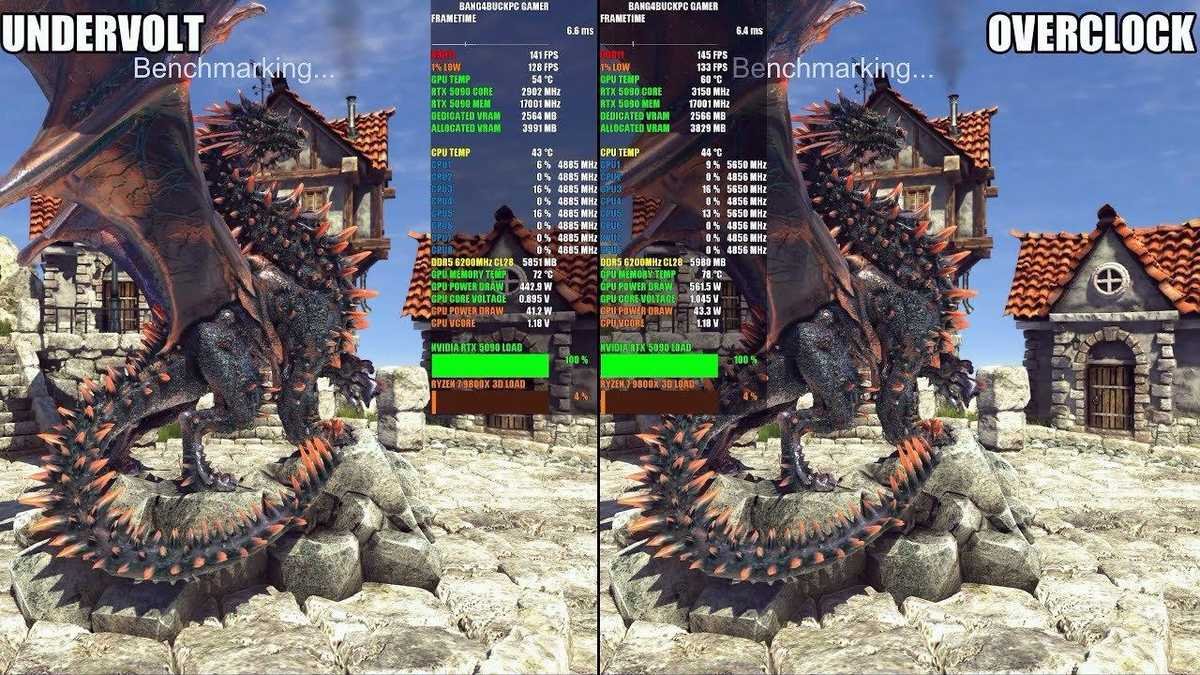
Light Undervolting Your RTX 5090: The Easy Way to Keep Safe Temps, Low Noise and Smooth 4KRead guide →
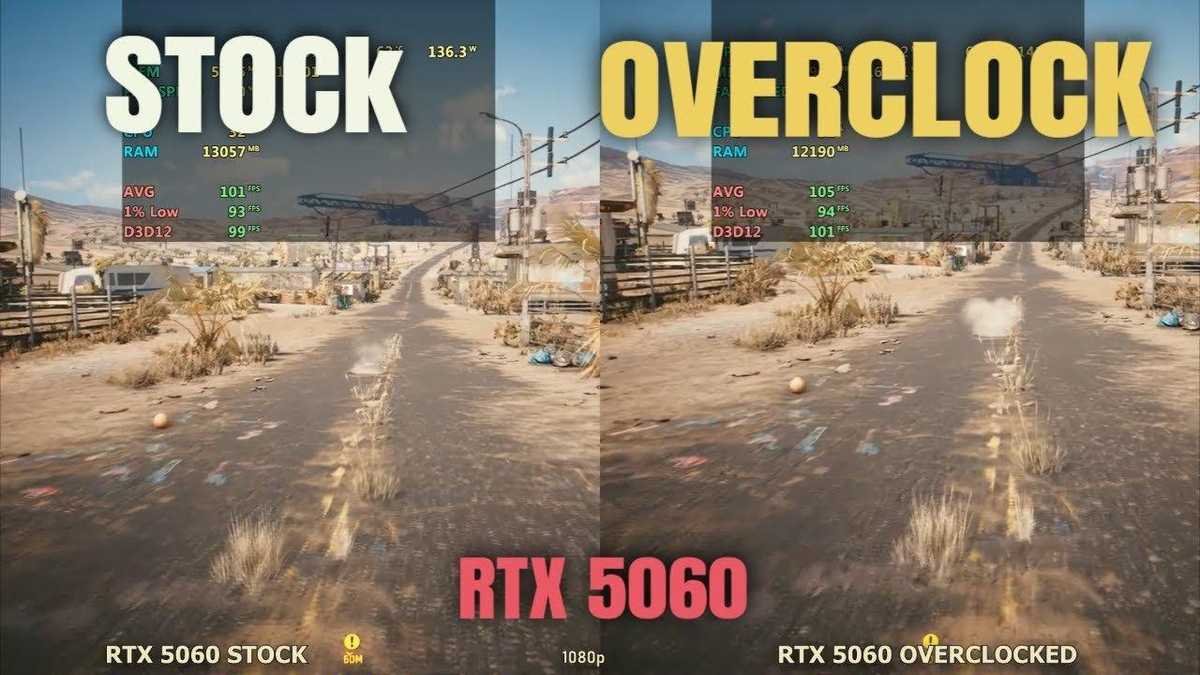
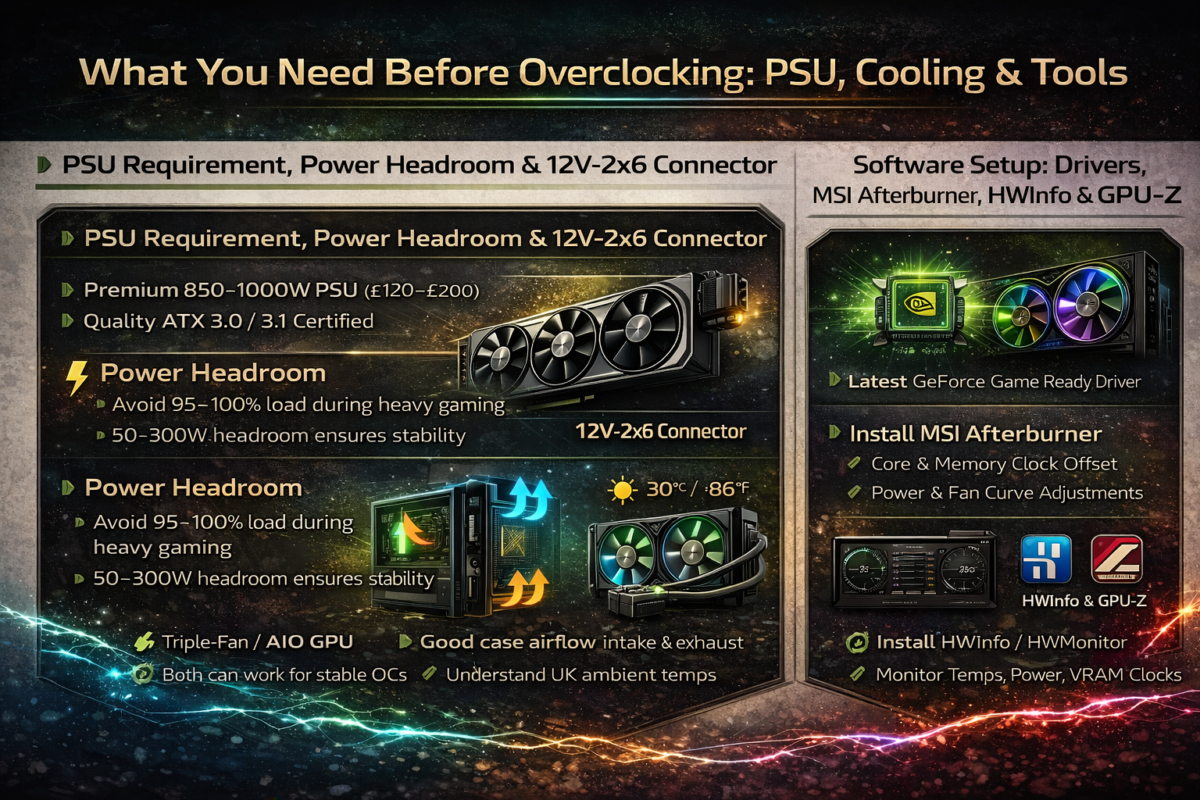
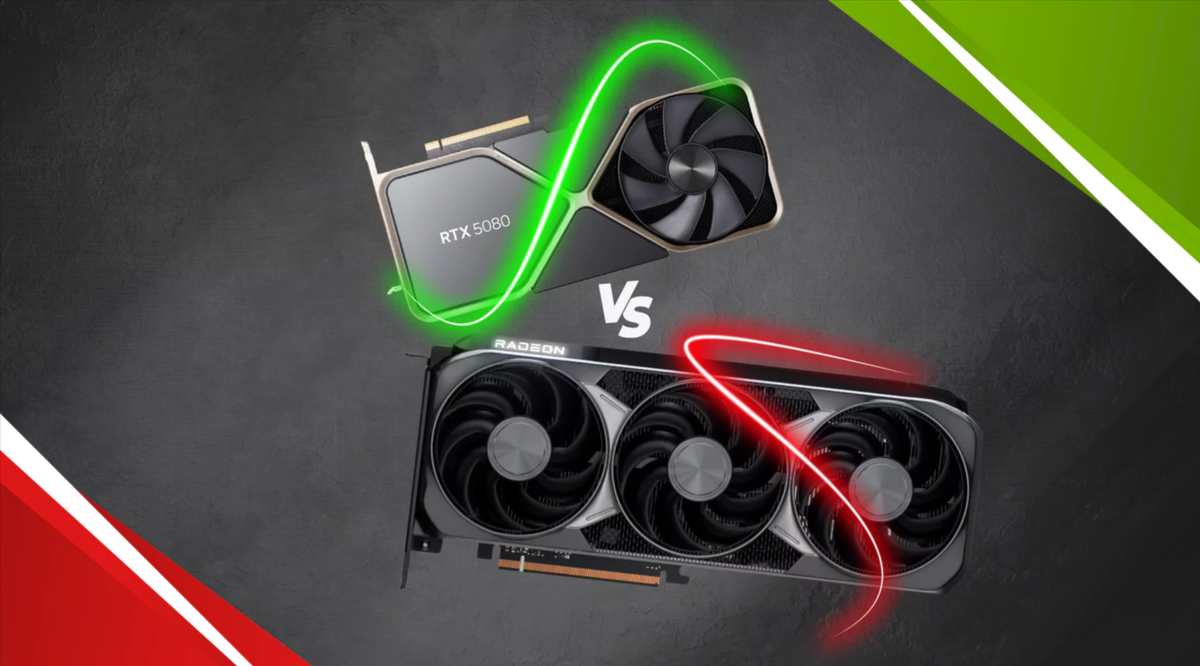
NVIDIA RTX 50-Series Overclocking Guide: Safe Settings, Benchmarks & Temps (Complete UK Guide)Read guide →
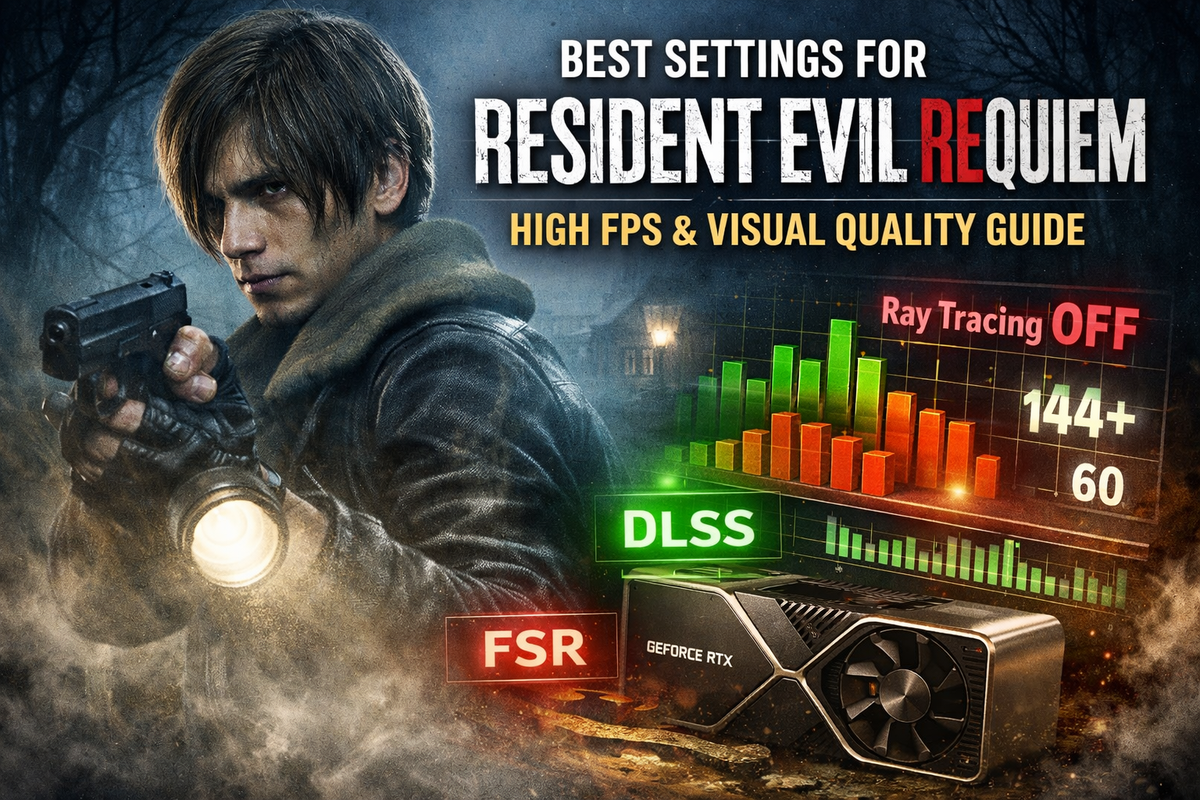
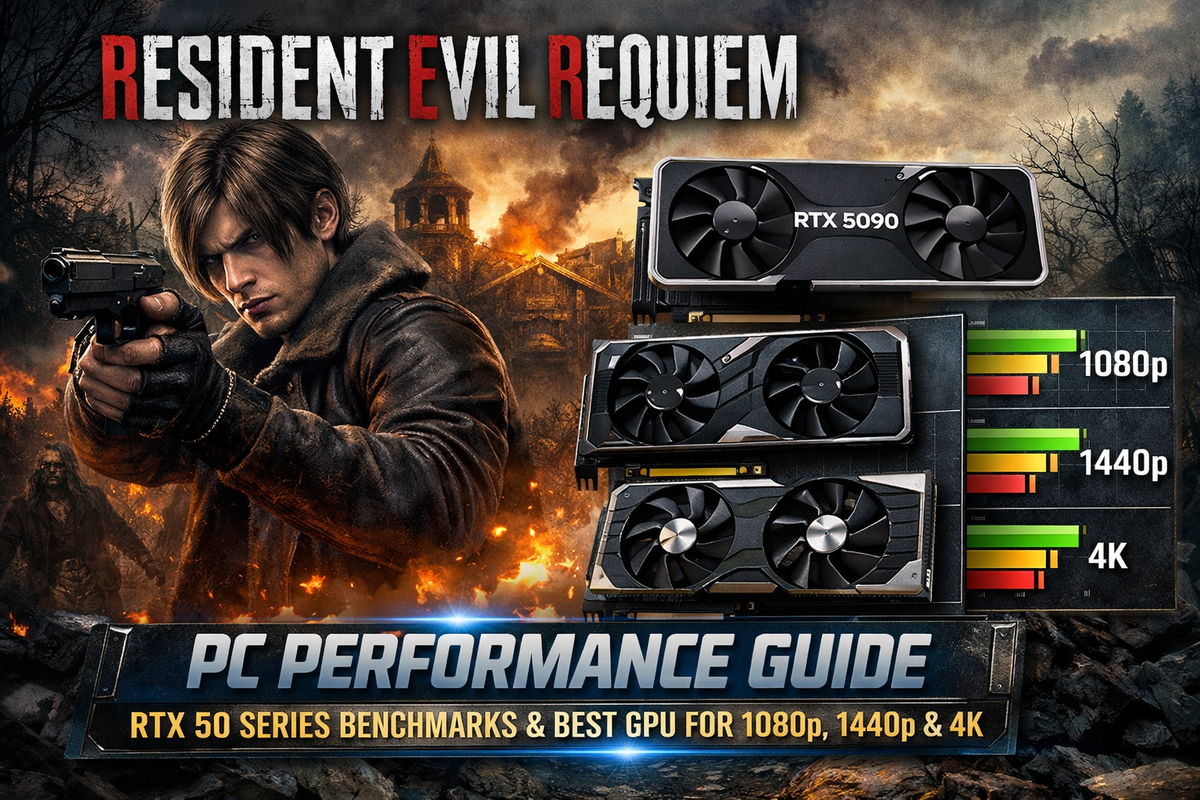
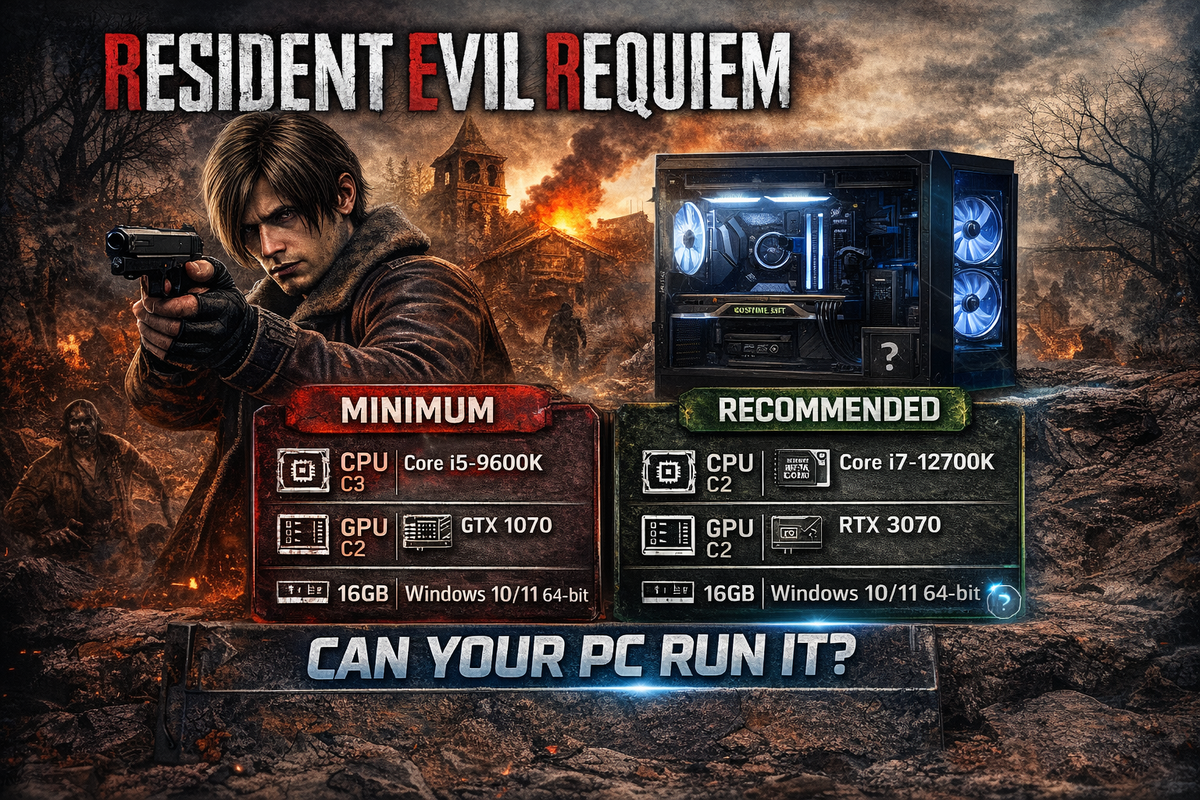
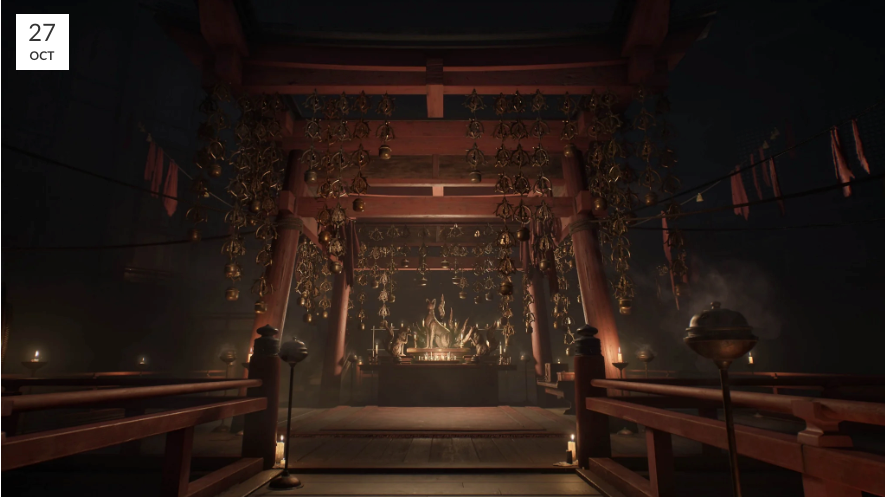
Resident Evil Requiem PC Performance Guide: RTX 50 Series Benchmarks & Best GPU for 1080p, 1440p and 4KRead guide →
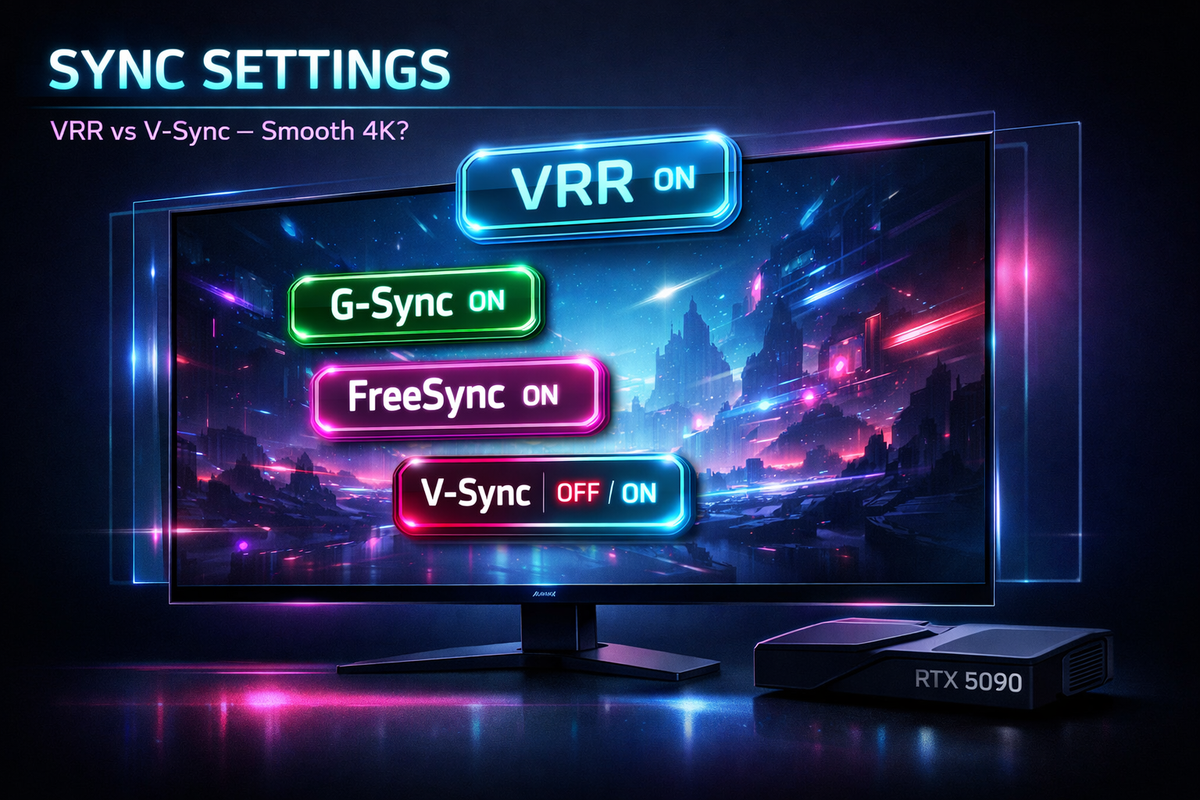
VRR, G-Sync, FreeSync and V-Sync: The Sync Settings That Make or Break 4K RTX 5090 SmoothnessRead guide →
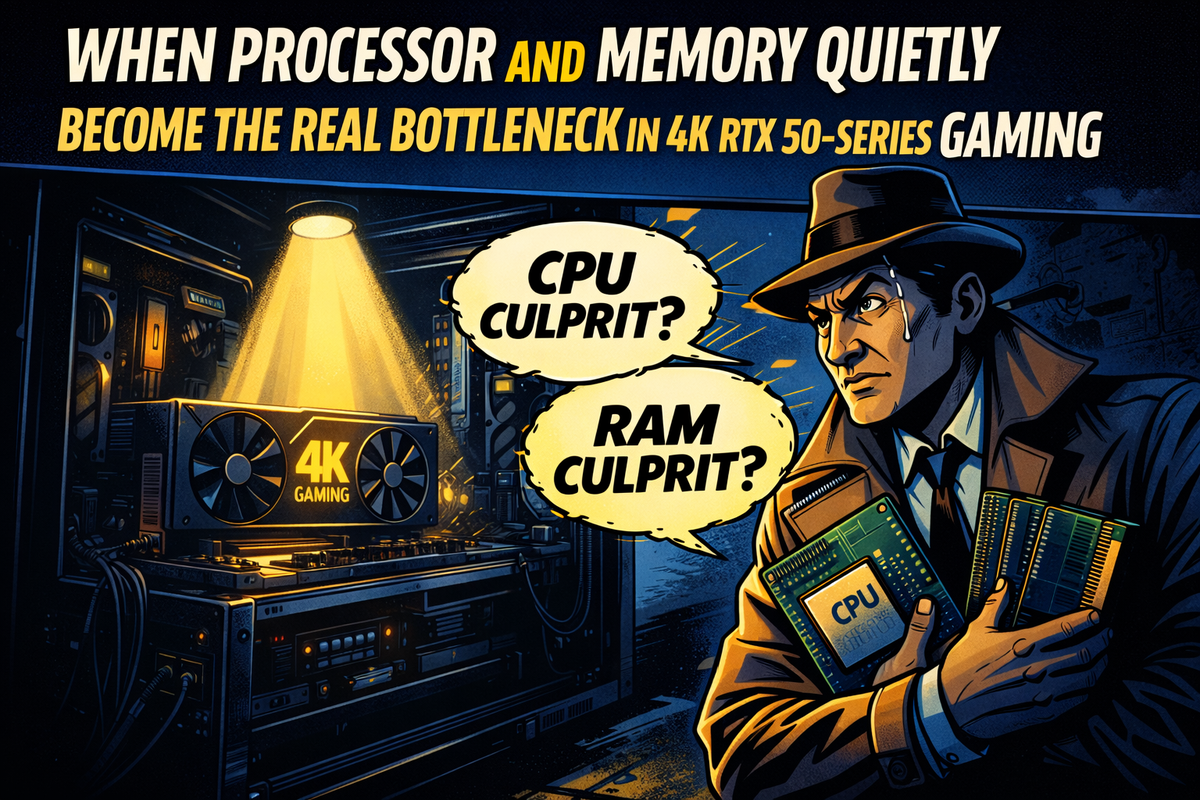
RTX 50 SERIESCPU or Memory Instability: The Silent Killer Behind RTX 5090 Stutter, Crashes and “Random” RebootsRead guide →
Why High FPS Isn’t Always Smooth: The Real Reason Your Games Still Stutter on RTX 50-Series GPUsRead guide →
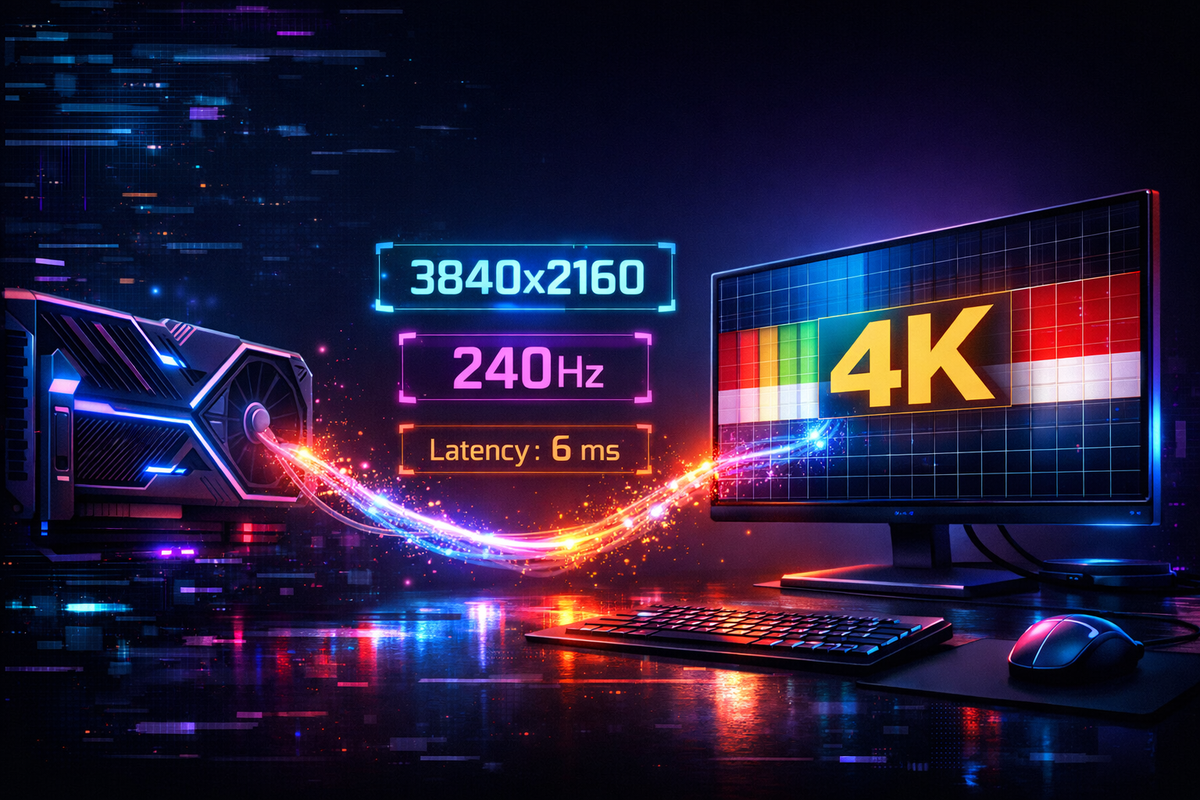
RTX 5090 + 4K Display: How to Make Sure They’re Actually Talking at the Right Resolution, Refresh Rate and LatencyRead guide →
Before You Touch NVIDIA Control Panel: Make Sure the Software Talking to Your RTX 5090 Isn’t Half-BrokenRead guide →
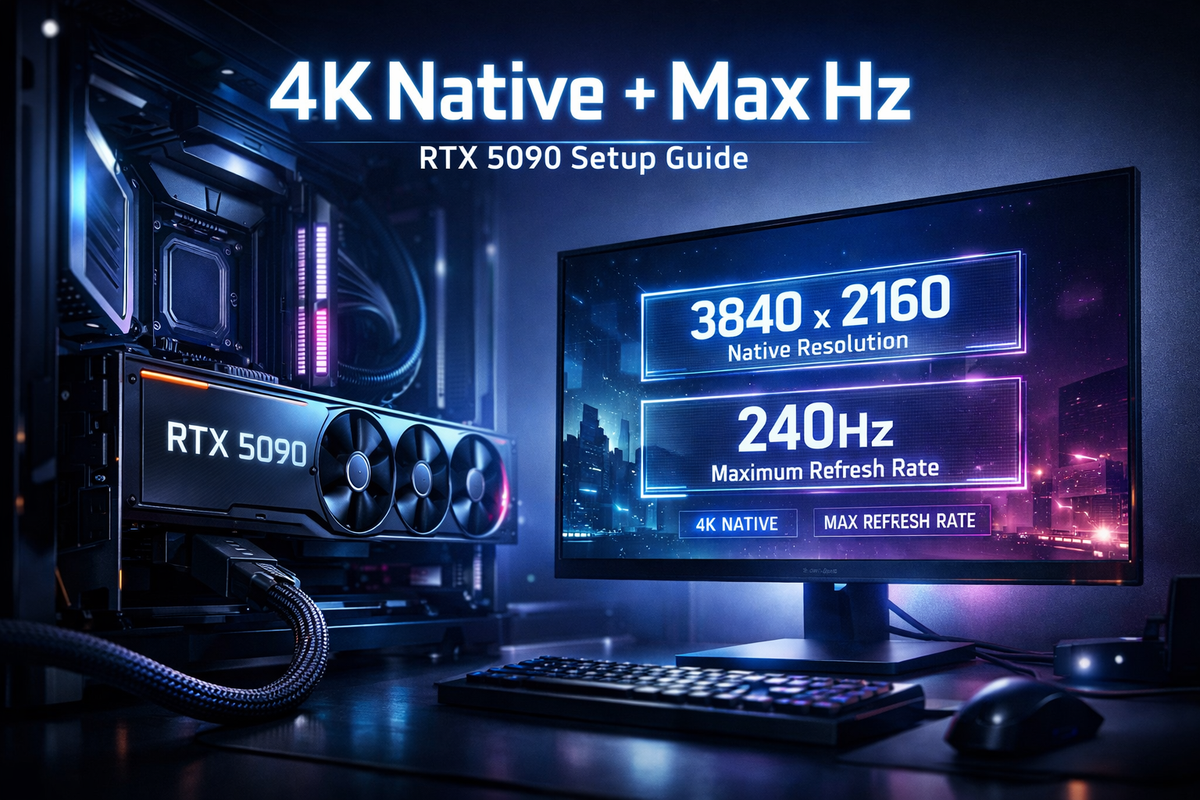
How to Run Your 4K Display at Its Native Resolution and Maximum Refresh Rate with an RTX 5090Read guide →
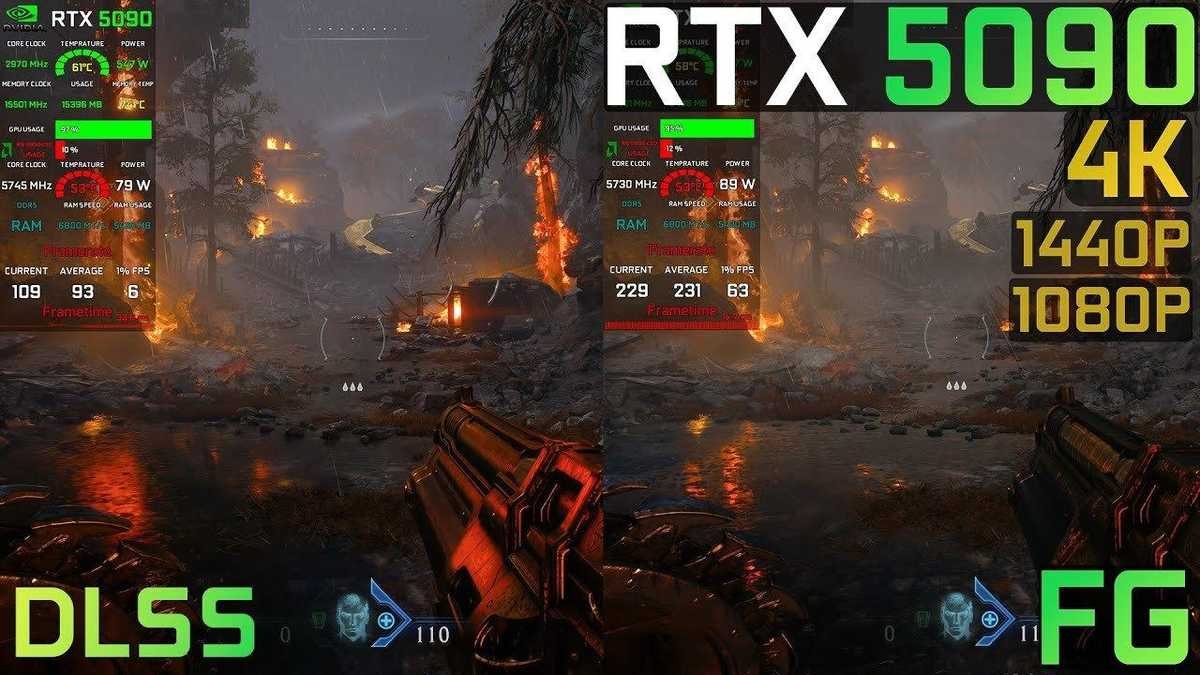
How to Minimize GPU Load While Keeping High Visual Fidelity with RTX 5090 in Doom: The Dark Age GameRead guide →
RTX 50 SERIESPhysical Connection to the Motherboard: The Overlooked Link That Can Break Your RTX 5090Read guide →
Proper Dedicated GPU Cables: The Quiet Upgrade That Makes Your RTX 50-Series Build Actually StableRead guide →
How the Firmware and Driver Stack That Talks to Your RTX 5090 Can Make or Break Smooth 4K GamingRead guide →
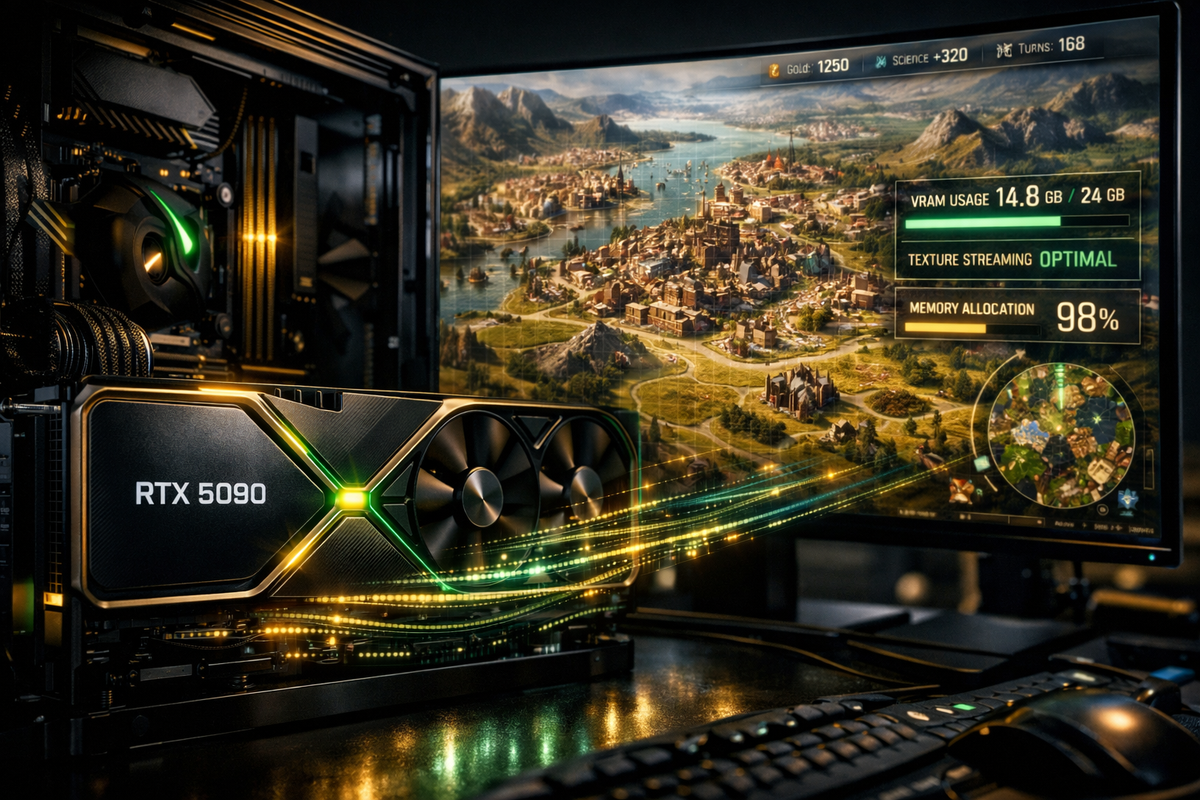
How to Use High-Res Textures & Animations Without Hitting VRAM Limits RTX 5090 to Run Civilization VIIRead guide →
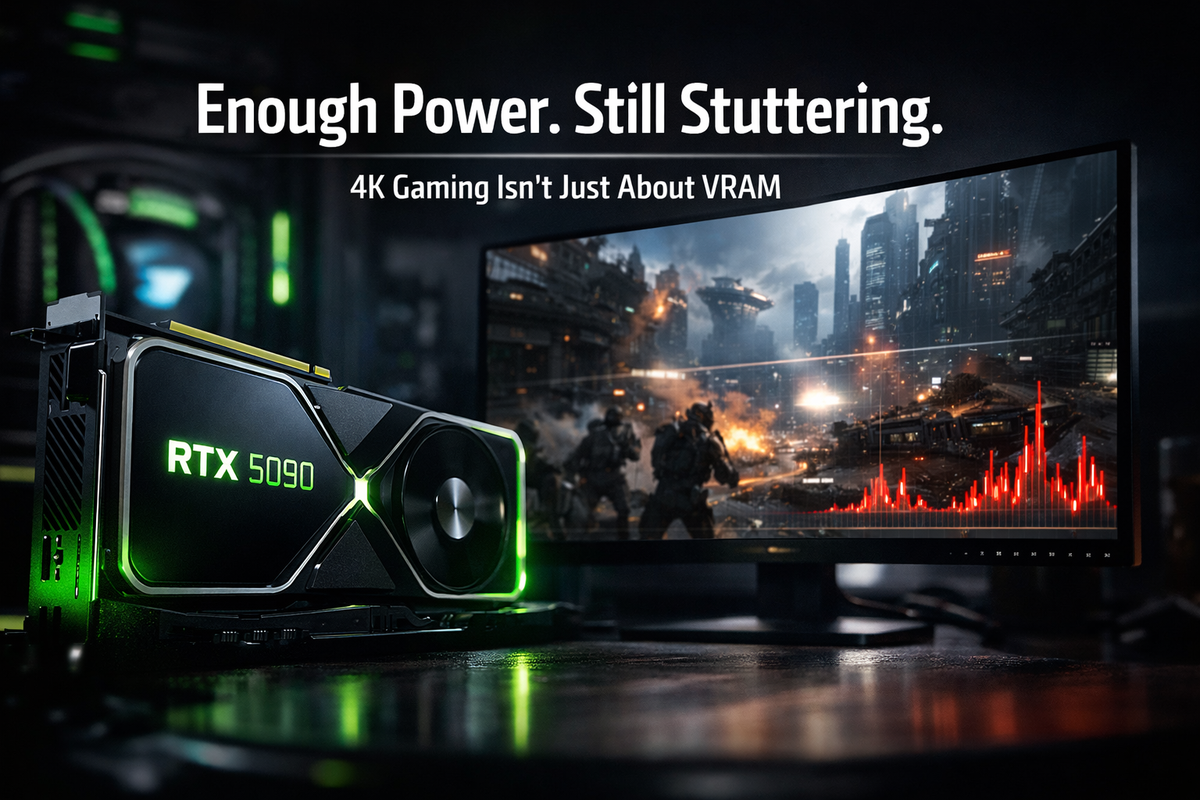
Why the RTX 5090 Has Enough VRAM and Raw Horsepower at 4K (and Why You Can Still Stutter)Read guide →