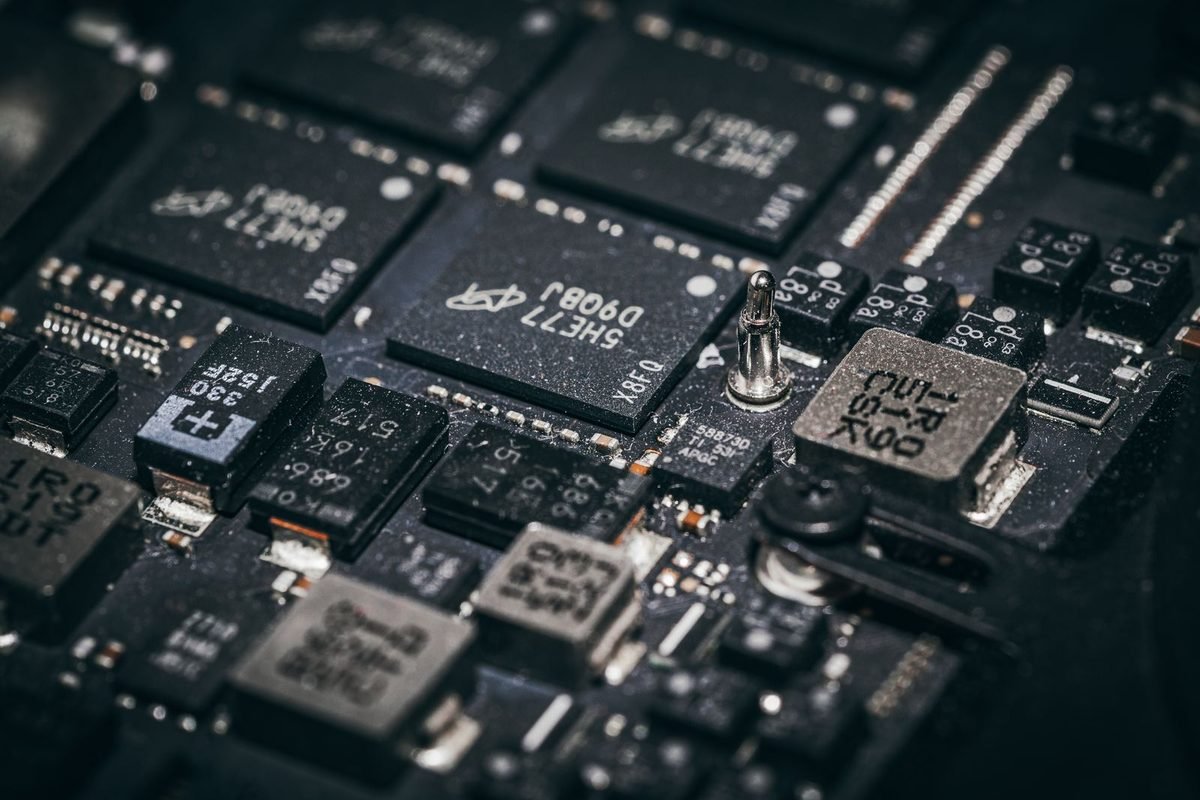
What does "architecture" mean for a graphics chip?
When reviewers say a card uses a new architecture, they mean the chip has been redesigned inside. This section explains the word using everyday comparisons, so that the rest of the article reads clearly even if you have never studied computers.
An architecture is a blueprint
Imagine a factory. The architecture is the floor plan: how many production lines it has, how the workers are grouped, where materials are stored and how the lines talk to each other. A new floor plan can make the same factory faster, more efficient, or better at a new kind of product. A graphics architecture works the same way. It defines how calculation units are grouped, how they reach memory, and which special-purpose units sit alongside them.
Why NVIDIA changes the blueprint
Each generation, NVIDIA revises the blueprint to add new capabilities and improve efficiency. Earlier families were called Turing, Ampere and Ada Lovelace, and each introduced something new. Turing introduced RTX ray tracing hardware, Ampere refined it, and Ada Lovelace added frame generation. Blackwell follows Ada Lovelace, and its headline additions concern AI and memory.
Architecture versus the chip itself
The architecture is the design family. A chip is one specific piece of silicon built from that design. The RTX 50 series uses several different Blackwell chips of different sizes, from very large to quite small. That is why the RTX 5090 and RTX 5050 share the Blackwell name even though they differ enormously in speed. The explainer on the GB202, GB203, GB205, GB206 and GB207 chips shows how the chips differ.
Where the name comes from
NVIDIA names its architectures after scientists. Blackwell honours David Blackwell, an American mathematician and statistician. The name has no technical meaning for buyers. It is simply a label that lets reviewers and engineers refer to a specific generation of design.
What is inside a Blackwell graphics chip?
A graphics chip is made of repeating building blocks. Knowing the main blocks helps you understand specification sheets, which list them in large numbers.
Streaming multiprocessors and CUDA cores
The basic repeating block is the streaming multiprocessor, usually written SM. Each SM contains many small calculation units called CUDA cores, plus other helper units. A spec sheet that lists "21,760 CUDA cores" for the RTX 5090 is counting these small units across all SMs. More CUDA cores generally means more raw calculation capacity, although clock speed, memory and software also matter. Our page on RTX 5090 specifications shows the figures for the flagship.
CUDA cores in plain terms
A CUDA core is a small calculator that handles ordinary graphics arithmetic, such as working out colours and shapes. Thousands of them work together on each frame.
Why SM count matters
Because each SM carries its own set of units, the SM count is a quick way to compare chips from the same generation. A chip with more SMs has more of everything at once.
Tensor cores: the AI units
Tensor cores are special units designed for the kind of maths used in artificial intelligence. Blackwell carries fifth-generation Tensor cores. In games they power DLSS, including upscaling, Ray Reconstruction and frame generation. Outside games they accelerate AI tools, such as image generation and local language models, which is why creators also pay attention to them.
What is new in this generation
The fifth generation adds support for lower-precision number formats that suit modern AI models. Lower precision means smaller numbers that can be processed faster and stored in less memory. Buyers rarely see this directly, but it is one reason newer AI software can run well on the latest cards.
RT cores: the ray tracing units
RT cores accelerate ray tracing, the technique that simulates how light moves through a scene. Blackwell uses fourth-generation RT cores. Games that use ray tracing or path tracing lean on these units heavily, which is why such games are demanding.
The memory system
A chip also needs a path to memory. Blackwell supports GDDR7, the newest graphics memory type, on most RTX 50 models. The path width (the bus) and the memory speed together decide bandwidth. The companion article on GDDR7 memory covers this in depth.
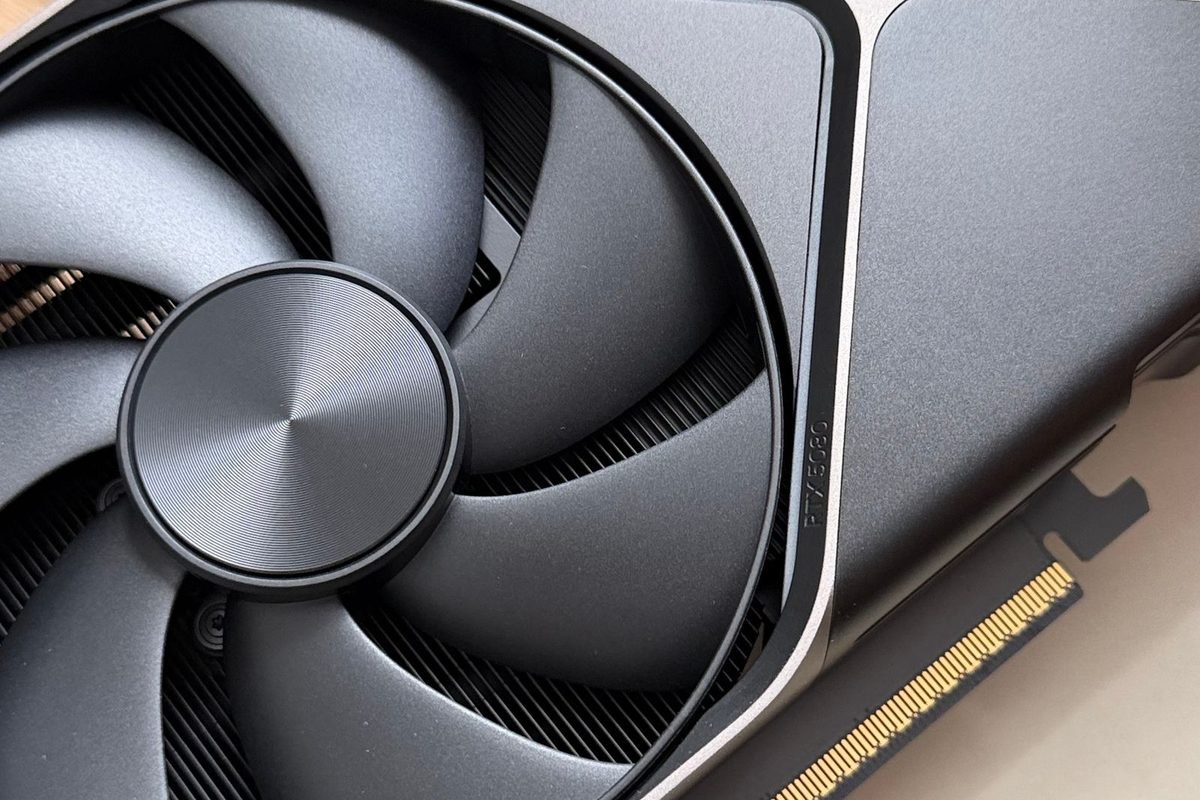
What is new in Blackwell compared with the previous generation?
The previous family, Ada Lovelace, powered the RTX 40 series. The changes below are the ones most often discussed.
Hardware for Multi Frame Generation
Frame generation creates extra frames between real ones. The RTX 40 series could add one generated frame per real frame. Blackwell adds hardware changes that let the RTX 50 series add up to three generated frames per real frame, a feature called Multi Frame Generation. NVIDIA describes new display and scheduling hardware as part of making this work smoothly, so that the generated frames are shown at even intervals.
Why even pacing matters
If extra frames appear at uneven moments, the picture looks jittery even when the frame counter is high. Better pacing hardware is meant to keep the rhythm steady. Whether you see the benefit depends on the game and your monitor.
What this feature does not do
Generated frames are not read from your mouse or keyboard. The game still reacts at its real frame rate. This is why frame generation improves smoothness more than responsiveness.
Newer AI models for DLSS 4
DLSS 4 introduced a new kind of AI model for upscaling, based on a design called a transformer. NVIDIA says it improves image stability and detail. The transformer-based upscaler is available on earlier RTX cards through software, but Blackwell is designed to run these larger models efficiently. For setup help, read our guide to enabling DLSS 4 and frame generation.
Neural rendering features
NVIDIA has described a group of techniques sometimes called neural rendering, where small AI models help draw parts of a scene, such as textures and materials. Support depends on game developers adding it, so the practical impact today is smaller than the marketing suggests. Treat these as promising features rather than reasons to buy.
Improved video engines
RTX 50 chips include newer video encoding and decoding hardware, known as NVENC and NVDEC. These matter to people who record gameplay, stream or edit video. They have little effect on game frame rates.
Which Blackwell changes can you actually feel?
Not every improvement on a spec sheet changes your experience. This section sorts them into what is likely noticeable and what is not.
Likely to be noticeable
Some changes are clear in everyday use if your hardware and games support them.
Smoother motion with Multi Frame Generation
On a high-refresh monitor, in a game that supports it, extra generated frames can make motion look smoother. The effect depends on the base frame rate, so it works best when the game already runs reasonably well.
Better image quality from DLSS 4 upscaling
If a game offers the newer upscaling model, you may see more stable detail than with earlier models. This improvement is not exclusive to Blackwell, so older RTX owners can often get it too.
Faster memory on higher-end models
Higher bandwidth can help at high resolutions and in games with large textures, especially on cards with wide memory buses.
Less noticeable for most players
Other upgrades matter to specific groups rather than to everyone.
Video encoding gains
Streamers and video editors benefit most, and only if their software uses the new engines.
Low-precision AI formats
These help certain AI tasks. Most gamers will never notice them.
Architecture efficiency
NVIDIA tuned the design for power efficiency, yet total power ratings on several RTX 50 cards are not lower than those of their predecessors. Efficiency gains vary by model, so check the power rating of the specific card.
How does Blackwell relate to the different RTX 50 cards?
All desktop RTX 50 cards use Blackwell, yet they differ widely. The explanation is the chip size and the configuration.
Same family, different sizes
NVIDIA builds several chips from the same design, from large to small. The RTX 5090 uses the largest. Mid-range cards use mid-sized chips, and the entry cards use the smallest. A larger chip holds more SMs and a wider memory bus.
Cut-down chips
NVIDIA often disables part of a chip to create a lower tier. This is normal in the industry and lets one chip serve more than one product.
Memory type and amount vary
Most RTX 50 models pair Blackwell with GDDR7, while the entry-level RTX 5050 uses GDDR6. The amount of memory also varies by model, from 8 GB to 32 GB.
What this means for a buyer
Because the architecture is shared, features such as DLSS 4 work across the family. Performance differences come from chip size, clock speed, memory and power. When comparing cards, look at the spec sheet, not just the architecture label. Our guide on how to read a graphics card spec sheet shows you how.
How does Blackwell compare with earlier NVIDIA generations?
A short comparison table helps you see where Blackwell sits in the family tree.
| Generation | Architecture | Main idea introduced |
|---|---|---|
| GeForce 20 series | Turing | First RTX cards with ray tracing and Tensor cores |
| GeForce 30 series | Ampere | Faster ray tracing and AI hardware, wide adoption of DLSS |
| GeForce 40 series | Ada Lovelace | Frame generation and efficiency gains |
| GeForce 50 series | Blackwell | Multi Frame Generation hardware, newer AI cores, GDDR7 |
This table simplifies each generation to its best-known feature. Real differences are larger than one line can show. For readers moving from a very old card, our explainer on the difference between GTX and RTX is a useful first step.
Is an older RTX card still useful?
Yes. Owners of RTX 20, 30 and 40 cards can use DLSS upscaling, and many DLSS 4 image improvements arrive through software updates. Frame generation arrived with the 40 series, and Multi Frame Generation is the main feature kept exclusive to the 50 series.
Should Blackwell alone make you upgrade?
Probably not. The architecture is only one factor. The real questions are whether your current card is limiting you, whether the new card's price fits your budget, and whether your power supply and case suit it. The site's graphics cards comparison is a good place to weigh the options.
Blackwell beyond gaming
NVIDIA also uses the Blackwell name for professional and data centre chips. The consumer RTX 50 cards share the design family but are not the same products. That matters because news stories about "Blackwell" often describe data centre hardware, not gaming cards.
Why creators care
Video editors, 3D artists and AI hobbyists often benefit from more memory and stronger Tensor cores. A card such as the RTX 5090 offers a large pool of memory that suits heavy local AI and 3D work.
AI tasks on a home computer
Tools that generate images or run language models locally depend on VRAM and Tensor core speed. The more memory the card has, the larger the model it can hold.
Video work
The video engines help with exporting and streaming. Check the software you use, because support for new hardware features arrives at different times.
Why gamers should ignore some headlines
Headlines about enormous AI performance numbers usually describe low-precision AI maths, which is not comparable with game frame rates. Do not read them as gaming speed claims.
What Blackwell does not change
A clear list of limits keeps expectations realistic.
It does not remove processor limits
A fast graphics card cannot make a slow processor keep up in processor-heavy games.
It does not guarantee a bigger leap in every game
Performance improves by different amounts depending on the game and settings, and some titles see modest gains.
It does not remove the need for good cooling and power
High-power cards still need strong airflow and a suitable power supply. Our article on CPU and system bottlenecks with an RTX 5090 covers the system side.
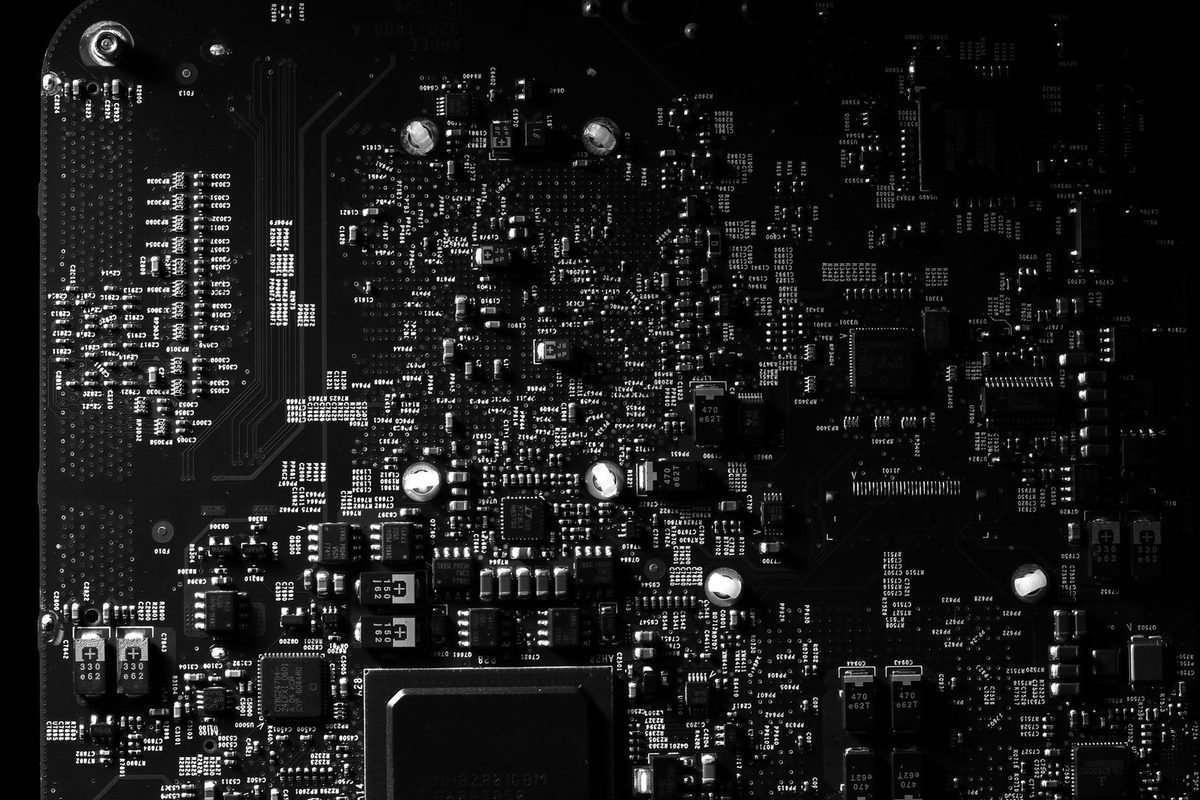
How Blackwell fits inside a complete graphics card
The chip is only one component of a card you can buy. A finished RTX 50 product also includes power circuitry, memory chips, a cooler and display connectors, and each of these affects your experience. Knowing how they fit together explains why two cards built on the same Blackwell chip can feel different.
Power delivery and the circuit board
Between the power connector and the chip sits a set of components that convert incoming electricity into the precise voltages the chip needs. Better-built boards handle high loads with less heat and noise. Partner brands such as ASUS, MSI, Gigabyte and Palit design their own boards, so the same GPU can arrive with different quality of power circuitry.
The newer power connector
High-end RTX 50 cards use a 16-pin connector, called 12V-2x6, designed to deliver large amounts of power through a single cable. It must be pushed in fully and handled according to the manufacturer's instructions. The site's guide to dedicated GPU cables for the RTX 5090 explains the practical care this connector needs.
Why efficiency still matters
A more efficient design lets a card deliver the same speed with less heat, or more speed in the same heat. NVIDIA tuned Blackwell with efficiency in mind, but total power ratings on several models remain substantial, so a capable power supply is still essential.
Cooling and noise
The cooler turns the chip's heat into warm air. Larger coolers with more fans and heatpipes can run quieter and cooler, but they take up more room. Some RTX 50 cards are thick enough to occupy three or four expansion slots. Reading dimensions carefully is part of choosing a card, and our comparison of liquid and air cooling for the RTX 5090 explores the trade-offs at the top end.
Temperature versus noise
Manufacturers can tune fans to run cool and loud or warm and quiet. Neither is wrong, and many cards allow you to change the fan behaviour in software.
Case airflow matters too
Even a great cooler struggles inside a case with poor airflow. Fresh air in and hot air out are as important as the card itself.
Display outputs and the PCIe connection
RTX 50 cards use newer display standards. The flagship RTX 5090, for example, offers DisplayPort 2.1b and HDMI 2.1b outputs, which support very high resolutions and refresh rates when paired with matching cables and monitors. The card connects to the motherboard through a PCI Express slot, and Blackwell supports the PCIe 5.0 standard. Older slots still work, as the guide on whether RTX 50 cards need a PCIe 5.0 motherboard explains.
A worked example: reading two Blackwell cards side by side
Theory is easier to remember with a concrete comparison. The table below uses NVIDIA reference figures for two desktop cards that share the Blackwell design. Partner models can differ, so confirm details on the product page.
| Detail | RTX 5070 | RTX 5080 |
|---|---|---|
| CUDA cores | 6,144 | 10,752 |
| Video memory | 12 GB GDDR7 | 16 GB GDDR7 |
| Memory bus | 192-bit | 256-bit |
| Total graphics power | 250 W | 360 W |
| Typical target | 1440p gaming | High-end 1440p and 4K |
What the numbers say
Both cards share the same architecture, yet the RTX 5080 has far more CUDA cores, more memory and a wider bus. That means it has more calculation capacity and more bandwidth, and it also uses more electricity. The shared architecture explains why both support the same features, such as DLSS 4. The differences explain the price and the performance gap.
Why the bus width matters
A wider bus moves more data per clock, like adding lanes to a motorway. Combined with fast GDDR7 memory, it raises bandwidth, which tends to help at higher resolutions.
Why power rating matters
The RTX 5080 needs a stronger power supply and better case airflow than the RTX 5070. When you choose a card, the extra cost includes the support parts around it.
What the numbers do not say
Spec sheets cannot tell you the frame rate in a particular game. Real results depend on the game engine, the settings, the processor and the driver. Use specs to narrow your shortlist, then use trustworthy tests to decide. Our own comparisons, such as the RTX 5070 versus RTX 5080 in Resident Evil Requiem at 1440p, show how those differences appear in a real game.
How to read Blackwell headlines and reviews critically
News about a new architecture can be exciting and confusing. A few habits help you separate solid information from hype.
Check what the headline number measures
Large numbers for AI performance usually measure low-precision AI maths, which does not translate directly into frames per second. If a headline claims a card is several times faster, ask whether it compares like with like. Frame counts with Multi Frame Generation enabled are not the same as frame counts without it.
Compare native results first
A fair comparison starts with the same game, resolution and settings, with DLSS and frame generation either all on or all off. Then a separate comparison can show what the extra features add.
Look for the test setup
Trustworthy reviews list the processor, memory, driver version and game version. Without that, you cannot judge whether the results apply to your computer.
Separate hardware features from software updates
NVIDIA often delivers improvements through driver and game updates. A feature that arrived with the RTX 50 launch may later reach older cards, and a feature that looked exclusive may stay exclusive. When you read about "a Blackwell feature", ask whether it needs the new hardware or only a software update.
Beware of fixed claims about the future
Features that depend on game developers, such as neural rendering, may take years to appear in many games. Buying a card today for a feature that few games support yet can lead to disappointment. Buy for what the card does now.
A simple test for any new feature claim
When you read that Blackwell, or any new architecture, brings a feature, run through three questions. First, does it work in the games I actually play today? Second, does it need the new hardware, or only a software update that my current card may also receive? Third, is the benefit visible on my screen, or only on a benchmark chart? If the answers are yes, hardware only, and visible, the feature is a real reason to upgrade. If any answer is no or unclear, treat it as a bonus rather than a purchase driver. This habit keeps spending sensible during every launch cycle, not only this one, and it works for professional software as well as for games.
Four common myths about Blackwell
Misunderstandings spread quickly around new hardware. These four come up repeatedly in forums and comment sections, and each has a simple correction.
Myth: a new architecture always means a huge speed jump
New architectures improve efficiency and add features, but the size of the speed jump varies from one generation to the next and from one card to the next. A card with a larger chip, faster memory and a higher power rating usually gains more than one with a small chip. Judge each card on its own tests instead of assuming the whole family improves equally.
Myth: Multi Frame Generation is the same as being faster
Multi Frame Generation raises the number of frames displayed, which improves visual smoothness. It does not make the game process your input faster. Players who care about instant response in competitive games often prefer to leave it off and use Reflex instead. Both choices are valid, and the right one depends on the game.
Myth: only Blackwell cards can use DLSS 4 improvements
Several DLSS 4 improvements, such as the newer upscaling model, run on earlier RTX cards through software updates. Multi Frame Generation is the main exception. If you own an RTX 30 or 40 card, check the feature list for your own card before assuming you are locked out of everything.
Myth: more AI cores always mean better gaming
AI cores power DLSS and similar features, but gaming performance also depends on raw calculation units, memory bandwidth, clock speed and the processor. A balanced card performs better than one that is strong in a single area.
How to check which chip is inside your own card
If you already own an RTX 50 card or are about to buy one, you can confirm what is inside it with free tools.
Using the NVIDIA App and Windows
Open the NVIDIA App or the Windows Task Manager and look at the GPU entry. It shows the model name and the amount of dedicated memory. This confirms that you received the card you ordered, which matters because the RTX 5060 Ti is sold in two memory sizes.
Using a specification tool
A free utility such as GPU-Z reads the chip name, such as GB202 or GB205, along with the number of shader units, memory size, bus width and clock speeds. Download such tools only from their official sites. If the numbers do not match the product page, contact the seller promptly.
What to compare
Compare the memory amount, memory type and bus width with the figures on the manufacturer's product page. Small differences in clock speed are normal between partner brands, but missing memory or a different chip is not.
Short glossary for this article
- Architecture: the internal design blueprint of a chip family.
- SM (streaming multiprocessor): a repeating block of calculation units inside the chip.
- CUDA core: a small calculation unit for ordinary graphics maths.
- Tensor core: a unit built for AI calculations.
- RT core: a unit built to speed up ray tracing.
- Bandwidth: how much data moves to and from memory each second.
- Bus width: the size of the data path between the chip and its memory.
Frequently asked questions about Blackwell
What is NVIDIA Blackwell in simple words?
Blackwell is the name of the chip design used in NVIDIA's RTX 50 series graphics cards. It defines how the processing units, AI cores, ray tracing cores and memory connections are arranged. Think of it as a floor plan, not a product, shared by all desktop RTX 50 cards.
Is Blackwell only for RTX 50 series cards?
No. NVIDIA also uses the Blackwell name for professional and data centre products. Gaming cards in the RTX 50 series share the design family with those products but are separate chips and separate products, so news about Blackwell data centre hardware does not describe your graphics card.
Does Blackwell make games run faster than the RTX 40 series?
Often, but by different amounts depending on the model, the game and the settings. Features such as Multi Frame Generation can raise the displayed frame rate in supported games, yet they do not speed up how fast the game reacts to your controls. Check reviews of the exact card and game.
Do older RTX cards get any Blackwell features?
Some software features, such as DLSS 4 upscaling improvements, are available on earlier RTX cards. Features that rely on new hardware, such as Multi Frame Generation, require an RTX 50 series card. Always check NVIDIA's feature list for your specific card before assuming support.
Why does the RTX 5050 use different memory from other RTX 50 cards?
The RTX 5050 uses GDDR6 memory, while most of the family uses GDDR7. GDDR6 is cheaper and well understood, which helps NVIDIA keep the entry card affordable. The trade-off is lower memory bandwidth, so the card is designed with 1080p gaming in mind.
Is Blackwell the same as the GB202 chip?
No. GB202 is one specific chip built using the Blackwell design. It powers the RTX 5090. Other chips, such as GB203 and GB205, also use Blackwell but are smaller. The architecture is the family, and each chip is a separate member of it.