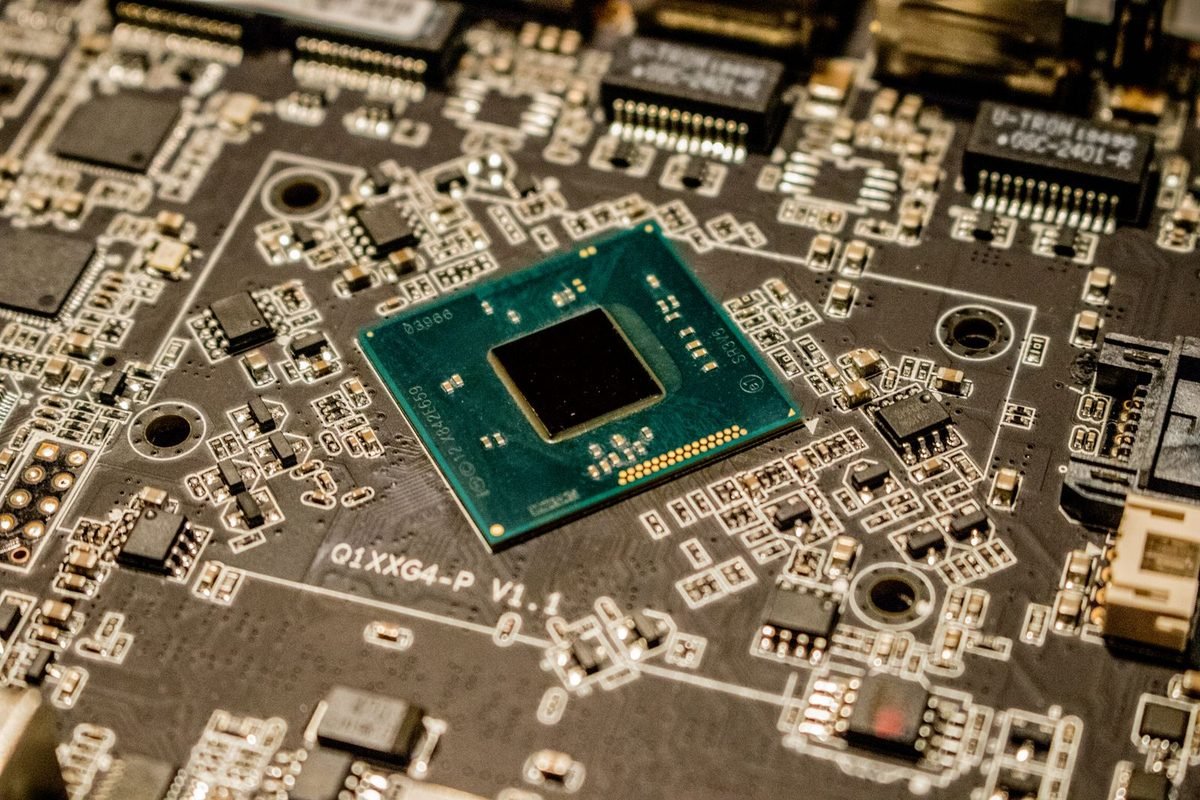
What is a GPU chip and what do the codes mean?
A graphics card is built around a single main processor called the GPU. NVIDIA designs it, and a factory prints it onto a thin slice of silicon. This section explains what that chip is and how to read the strange codes attached to it.
The chip is a tiny city of calculators
If a graphics card is a workshop, the chip is the machinery in it. A modern GPU chip holds tens of billions of transistors, which are microscopic switches. They are organised into groups that handle different jobs: drawing, ray tracing, AI, memory access and display output. The chip is small enough to hold in your palm, yet it contains more switches than there are people on Earth.
Why the chip has a code name
NVIDIA gives each chip an internal name. Names beginning "GB" refer to Blackwell chips for graphics products, and the three digits that follow identify the size class. The RTX 5090's chip is GB202. The smaller chips carry higher numbers: GB203, GB205, GB206 and GB207. A higher number therefore usually means a smaller chip, which is easy to forget.
Why numbers skip
There is no GB204 in the desktop range. Companies often skip internal numbers, sometimes because a design was planned and never released. The gaps do not carry meaning for buyers.
How the chip connects to the card you buy
The chip is soldered to a circuit board with memory chips, power circuits and connectors, and covered by a cooler. When people say "the RTX 5080 has a GB203 chip", they mean the main processor under the cooler is a GB203 that NVIDIA has configured for that product. The companion article on Blackwell architecture explains the design that all these chips share.
Which chip powers which card?
The table summarises the desktop range. The SM count is the number of streaming multiprocessors enabled in the card, according to NVIDIA's published CUDA core totals divided by 128.
| Card | Chip | SMs enabled | CUDA cores | Memory bus |
|---|---|---|---|---|
| RTX 5090 | GB202 | 170 | 21,760 | 512-bit |
| RTX 5080 | GB203 | 84 | 10,752 | 256-bit |
| RTX 5070 Ti | GB203 | 70 | 8,960 | 256-bit |
| RTX 5070 | GB205 | 48 | 6,144 | 192-bit |
| RTX 5060 Ti | GB206 | 36 | 4,608 | 128-bit |
| RTX 5060 | GB206 | 30 | 3,840 | 128-bit |
| RTX 5050 | GB207 | 20 | 2,560 | 128-bit |
What the table shows at a glance
Chip numbers rise as the cards fall. Core counts and memory buses shrink from top to bottom. Three chips each power two cards, which is the clue that cut-down versions exist. The next sections explain why.
How to double-check the arithmetic
Each streaming multiprocessor in these chips contains 128 CUDA cores. Divide any card's CUDA core count by 128 and you get its SM count, so 21,760 divided by 128 gives 170. You can confirm the pattern on the site's RTX 5090 specifications page, which lists 170 SMs.
Where to verify the details
Treat the table as a reference built from published figures. Partner cards should match it, and a tool such as GPU-Z can read the chip and shader counts from your own card.
GB202: the largest chip, in the RTX 5090
GB202 is the biggest consumer chip in the family, and it exists for one gaming card.
Size and scale
The site's RTX 5090 page lists GB202 as a 750 mm² die with 92.2 billion transistors, made on a TSMC process called 4N. That is an enormous chip by consumer standards. Large chips cost more to make and are harder to produce without defects, which helps explain the price of the flagship.
What a wide bus means
GB202 connects to memory through a 512-bit bus, the widest in the range. This is how the RTX 5090 reaches its very high bandwidth, covered in our guide to GDDR7 memory.
Not every part is switched on
Chips of this size commonly ship with a few units disabled to improve the number of usable chips from each wafer. The RTX 5090 uses 170 SMs, and its product page is the place to check what is enabled.
Who GB202 suits
Heavy 4K gaming, creative work and local AI. It also needs a strong power supply and a large case, as covered in the ASUS TUF and ROG Astral buyer's guide.
GB203: one chip, two cards
GB203 is a mid-sized chip with a 256-bit bus. NVIDIA uses it in two products.
RTX 5080
The RTX 5080 uses a fully or nearly fully enabled GB203, with 84 SMs. It has 16 GB of GDDR7 and sits clearly below the flagship in size and power.
RTX 5070 Ti
The RTX 5070 Ti uses the same GB203 chip with fewer SMs enabled, 70 instead of 84. The memory amount and bus width match the RTX 5080, which is why the two cards feel closely related.
What the extra SMs buy
Fourteen more SMs give the RTX 5080 more calculation units and typically a bit more speed, at higher power and price. The difference in memory bandwidth is small because the bus is the same.
A practical reading
Buyers choosing between these two are choosing between a fuller version and a cut-down version of one chip. The gap depends on your games and resolution, so compare tested results.
GB205: the RTX 5070
GB205 is a smaller chip with a 192-bit bus. It powers the RTX 5070 with 48 SMs and 12 GB of GDDR7.
Why 12 GB
A 192-bit bus supports six memory chips of 2 GB each, giving 12 GB. The memory amount follows from the bus width and the chip size, as the guide on how much VRAM you need explains.
What this chip is aimed at
It is built for 1440p gaming at high settings and for players who want strong ray tracing and DLSS performance without the cost and power of the larger chips.
GB206: the RTX 5060 Ti and RTX 5060
GB206 has a 128-bit bus and is used in the two lower mid-range cards.
RTX 5060 Ti
The RTX 5060 Ti enables 36 SMs, and it comes in 8 GB and 16 GB versions. The 16 GB version places memory chips on both sides of the board, a layout called clamshell, to double capacity without widening the bus.
RTX 5060
The RTX 5060 enables 30 SMs and has 8 GB of GDDR7. Its bandwidth matches the 5060 Ti because both share the bus and memory speed.
Why two cards share one chip
Chips with a few defective SMs can still be used by switching off the bad blocks, and selling the result as a lower-tier card. This is a standard way of improving yield, and it is why the 5060 exists alongside the 5060 Ti.
GB207: the RTX 5050
GB207 is the smallest chip in the desktop range. It powers the RTX 5050 with 20 SMs.
The one card with older memory
The RTX 5050 pairs GB207 with 8 GB of GDDR6, not GDDR7. This helps keep the cost low. It is designed for 1080p gaming, where the memory is adequate.
What small chips do well
Small chips are cheap to produce, efficient and easy to cool. For esports and light gaming, they offer good value. The RTX 5050 build guide shows what a whole system around one can look like.
Why NVIDIA disables parts of chips
Cutting down a chip is not a trick. It is a standard practice across the industry, and it benefits buyers by making more products affordable.
Manufacturing defects are unavoidable
A silicon wafer is a circular slice, and many chips are printed on it at once. Tiny flaws can land on any chip. A flaw in one SM does not have to ruin the chip: the SM can be switched off, and the chip sold in a cheaper product.
Bigger chips suffer more
The chance that a chip contains a flaw rises with its size. Large chips such as GB202 are therefore harder to produce, and fully perfect examples are rare and expensive.
Product segmentation
Even without defects, NVIDIA may disable working SMs to fill a price tier. This lets one chip serve several products and gives the company flexibility with supply.
What it means for buyers
Do not assume a cut-down chip is faulty. It is designed and tested to meet its specification. The important thing is the specification you pay for.
How chip size affects cost, power and heat
Chip size has consequences you can feel as a buyer.
Cost
A larger chip takes more silicon and has more risk of defects, so it costs more to make. That cost passes on to the card price.
Power and heat
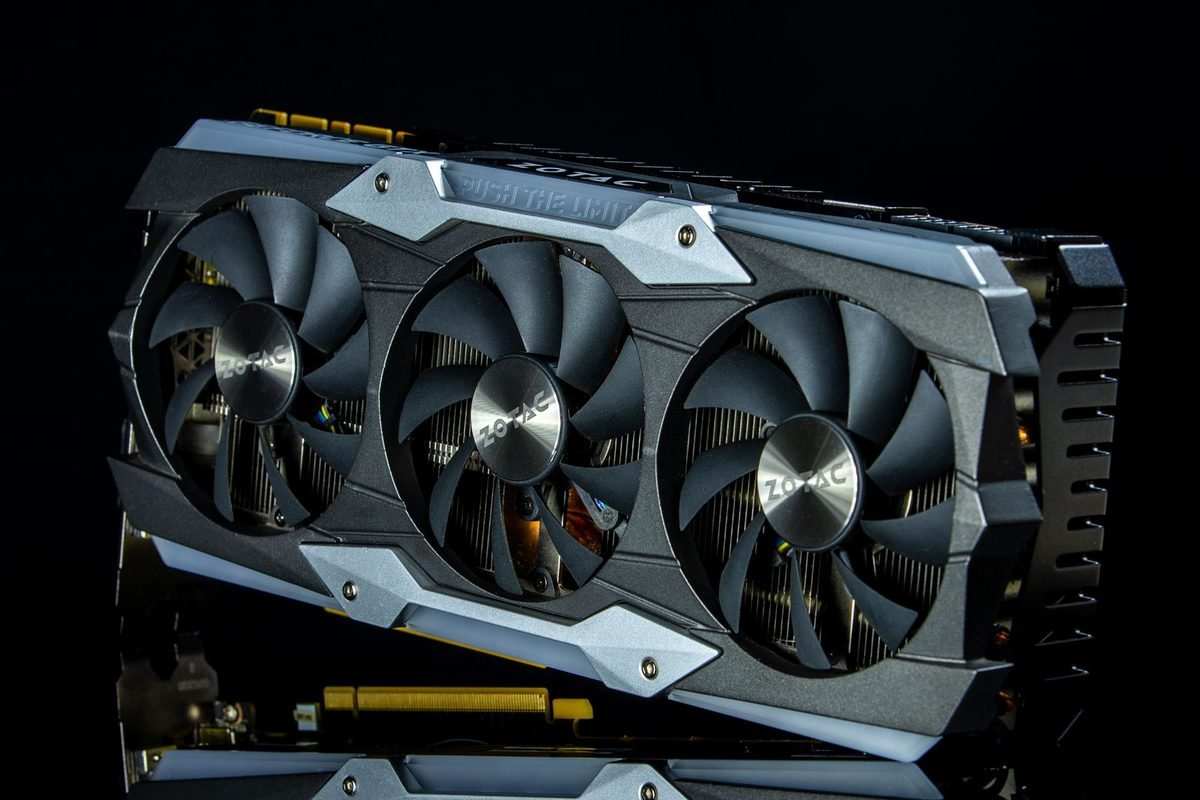
More calculation units use more power. The RTX 5090 is rated at 575 W, while the smaller chips run at much lower power. More power means more heat to remove, so larger chips need bigger coolers and stronger power supplies.
Efficiency is not the same as low power
A big chip running at moderate clocks can be efficient, doing more work for each watt. Raw power rating alone does not tell you efficiency.
From sand to GPU: how a chip is made, in plain English
Understanding the basics of manufacturing explains why chip size matters so much for price and supply.
Wafers and dies
Chips are printed on large, thin, circular discs of silicon called wafers. Each wafer carries many identical chips, and each individual chip is called a die. After printing, the wafer is cut into dies, which are tested and packaged. Because a wafer has a fixed area, a bigger die means fewer dies per wafer, and fewer finished products for each costly wafer.
Why yield matters
Yield is the share of dies on a wafer that work correctly. A large die has more area where a flaw can land, so yield falls as size rises. Manufacturers manage this by designing chips so that small flaws can be bypassed, which is the reason cut-down versions exist.
Why supply can be tight
When a chip is large, popular and expensive to produce, supply is limited by wafers and yield. That is one reason flagship cards are often scarce at launch.
Process technology
The process is the manufacturing recipe. NVIDIA's RTX 50 chips are made by TSMC on a process called 4N, a customised version of its 5 nm-class technology according to the specifications on the site's RTX 5090 page. The "nm" numbers used in marketing no longer match any real physical measurement, so treat them as labels for generations of technology.
Transistor density
A useful figure is transistor density, the number of transistors packed into each square millimetre. The RTX 5090 page lists about 122.9 million per square millimetre for GB202. Higher density usually lets a chip hold more circuits in the same area.
Reading chip codes with suffixes
You may see longer codes such as GB202-300-A1, which appears in the specifications of the RTX 5090. Each part has a meaning.
The three parts
The first part, GB202, is the chip family and size class. The middle number identifies the product variant, which tells engineers which version of the chip is on the board. The final part, such as A1, is the revision of the silicon, like a edition number of a printed book.
Why revisions exist
Chip makers sometimes fix small issues by revising the design. A revision does not usually change the product's specification, but it can improve yield or stability.
Do buyers need to care?
Rarely. The code is useful for matching drivers, firmware and reviews to a specific product. Treat it as a reference label, not as a buying criterion.
What partner brands can and cannot change
NVIDIA supplies the GPU chip. Partner brands design everything else.
What they cannot change
They cannot add SMs, widen the memory bus or change the chip's feature set. The CUDA core count, the chip family and the supported technologies are fixed by NVIDIA for each product.
What they can change
They choose the cooler, the fans, the power circuitry, the board layout, the lighting and the factory clock speed. They also decide the physical size, the weight and the warranty. These choices determine noise, temperature and fit. Our guide to reading a spec sheet shows how to compare them.
Why this matters when you shop
Two RTX 5070 Ti cards from different brands share a chip, so their features and base performance are alike. Compare them on cooling quality, size, noise and price, not on chip claims.
What each chip suggests about the card you are buying
The table translates chip knowledge into practical expectations. It is general guidance, not a promise.
| Chip | Cards | Typical buyer |
|---|---|---|
| GB202 | RTX 5090 | Enthusiasts, creators, heavy 4K and AI users |
| GB203 | RTX 5080, RTX 5070 Ti | High-refresh 1440p and 4K gamers |
| GB205 | RTX 5070 | 1440p gamers |
| GB206 | RTX 5060 Ti, RTX 5060 | 1080p and light 1440p gamers |
| GB207 | RTX 5050 | Budget and esports gamers |
How to use the table
Start from the chip class that matches your screen and budget, then choose among the cards that use it. If two cards share a chip, compare their enabled units and memory, then decide whether the extra performance is worth the price difference.
A caution about assumptions
Do not infer exact frame rates from a chip. Game results depend on settings, drivers and the rest of your computer.
How the previous generation compared
Looking at the RTX 40 series shows that NVIDIA follows a repeated pattern. The Ada Lovelace family also used a ladder of chips, with names such as AD102 in the flagship RTX 4090, AD103 in the RTX 4080, AD104, AD106 and AD107 further down. In both families, the largest chip serves the top card, mid-sized chips serve the middle tiers and small chips serve the entry cards. Understanding the pattern makes new generations easier to follow, because you can predict where each card sits before reading a review.
What changed from one family to the next
Memory types changed from GDDR6 and GDDR6X to GDDR7 in most RTX 50 products. The AI and ray tracing cores moved to newer generations. Core counts rose in some tiers, and power ratings shifted. Whether any of these changes justifies an upgrade depends on the model you own now, which is the focus of our graphics cards comparison.
How to compare across generations fairly
Compare tested results in the same games, not chip names. A chip from a newer family may be smaller and still match a larger older chip, because of design and memory improvements.
Chips in laptops and professional cards
The same chip families appear in other products, which causes confusion.
Laptop GPUs
Laptop RTX 50 GPUs are built from Blackwell chips configured for lower power. The names match desktop products, yet the enabled units, memory and clocks can differ. A laptop spec sheet should list its own core counts and memory.
Professional cards
NVIDIA's workstation cards use some of the same silicon designs with different drivers, memory amounts and prices. These are aimed at professional work. A professional card is not a cheaper gaming card, and a gaming card is not a replacement for a certified workstation card in regulated industries.
Why this matters
News about a Blackwell chip might describe a professional product. Read the product name before assuming the story applies to your gaming card.
GPU, graphics card and chip: sorting out three words
People use these terms interchangeably, but they mean different things.
- The chip or die is the piece of silicon, such as GB203.
- The GPU is the processor built around that chip, including its configuration and the way it is packaged.
- The graphics card is the finished product you buy: GPU, memory, board, cooler and ports.
Why the difference matters
When someone says "the GPU is the same", they usually mean the chip and configuration match. The cards can still differ in cooling, power circuitry, size and price. When comparing, state clearly whether you mean the chip or the whole card.
Four shopping scenarios that use chip knowledge
Abstract facts become useful when applied. These scenarios are illustrations, not test results.
Scenario one: choosing between two cards that share a chip
You are deciding between an RTX 5070 Ti and an RTX 5080, both built on GB203. You know the 5080 enables more SMs and costs more. You check your resolution and games, and you find that your target is 1440p at high refresh rates in games that already run comfortably on the 5070 Ti. The extra SMs would add little for your use, so the cheaper card is a sensible pick.
Scenario two: a listing that does not match the chip
A seller advertises an RTX 5060 Ti with a spec sheet that lists a chip you do not recognise or shows a CUDA core count that does not divide evenly by 128 in a plausible way. Because you know the pattern, you ask for the exact model code and compare it with the manufacturer's page. If the seller cannot explain the mismatch, you walk away.
Scenario three: planning a small-case build
You want a compact computer. Small chips such as GB206 and GB207 run at lower power and are easier to cool, so cards built around them are more likely to be short and quiet. You narrow your search to those, then confirm the dimensions of each model against your case.
Scenario four: a creator who needs maximum memory
You run large local AI models and edit high-resolution video. The memory bus and capacity of GB202 matter more to you than the price. The RTX 5090 is the only desktop card in the family with its chip, so the decision is about whether you can power and house it.
What the scenarios teach
In each case, chip knowledge turned a vague choice into a short list of questions: which chip, how many units, what memory, what power. Asking those questions consistently is more valuable than memorising code names.
Performance per watt: why a big chip is not always wasteful
People sometimes assume that a larger chip must be less efficient. The picture is more complicated.
Efficiency depends on where the chip runs
A chip with many units can run at lower clock speeds and still deliver high performance, using less energy per calculation. Pushing a smaller chip to high clock speeds can use more energy for each extra frame. Designers pick a balance for each product.
How to judge efficiency yourself
Look for independent tests that report frames per second and power draw together, then divide. A card that achieves more frames for each watt is more efficient, whatever its chip size.
Why undervolting appeals to enthusiasts
Many owners lower voltage slightly to reduce heat and noise with little loss in speed. The site's guide to light undervolting for the RTX 5090 shows the idea, and the principle applies to other chips too, within the limits of each card.
What to remember
The chip decides the ceiling of a card, and the card around it decides how close to that ceiling you get. Knowing which chip is inside lets you place any RTX 50 card on the ladder, spot cut-down versions, check listings for impossible numbers and ask sellers the right questions. You do not need to memorise every code. Remember the pattern instead: bigger chip, more units and a wider bus at higher cost and power; smaller chip, fewer units and a narrower bus at lower cost and power. With that pattern in mind, spec sheets, reviews and news stories become much easier to follow, and your upgrade decisions rest on facts instead of marketing language. Revisit the chip table whenever you compare cards, and update your own notes if NVIDIA adds new products later.
A short checklist for using chip knowledge
- Identify the chip behind any card you consider.
- Check how many SMs the card enables and compute its CUDA cores.
- Compare the memory bus and amount.
- Compare power rating and cooling.
- Check tested results for your games.
- Verify the card with a specification tool when it arrives.
Five myths about GPU chips
A few ideas circulate widely and are wrong or misleading.
Myth one: a bigger chip number means a better chip
The opposite is usually true inside a family: smaller numbers, such as GB202, are bigger chips. The number is a class label, not a score.
Myth two: cut-down chips are faulty
They are tested to meet their specification. Disabling units is a normal practice.
Myth three: all cards with the same chip perform the same
They share base capability, but cooling, power limits and enabled units cause differences.
Myth four: nanometres tell you how good a chip is
Process names are marketing labels now. Real performance depends on design as well as manufacturing.
Myth five: you can unlock disabled units
Modern chips have units disabled in hardware at the factory. They cannot be unlocked by users, and attempts to modify firmware risk damaging the card.
How to find out which chip is in your card
You can check in a few minutes.
- Open GPU-Z, downloaded from its official site.
- Read the GPU line on the first tab. It shows the chip name, such as GB205.
- Read the shaders line to see the CUDA core count.
- Divide that figure by 128 to get the SM count.
- Compare the results with the published specification.
If something does not match
Small clock differences are normal between brands. Differences in chip name, shader count, memory size or bus width are not normal and should be raised with the seller or manufacturer. The site's article on fixing broken RTX 5090 drivers is a good next read if software readings look strange.
Frequently asked questions about NVIDIA GPU chips
What is the GB202 chip?
GB202 is NVIDIA's largest consumer Blackwell chip, used in the RTX 5090. It holds 92.2 billion transistors on a 750 mm² die made on a TSMC 4N process, with a 512-bit memory bus. It is the biggest chip in the desktop range and the reason the flagship card is so costly.
Which RTX 50 cards use the same chip?
Several pairs share a chip. The RTX 5080 and RTX 5070 Ti both use GB203, and the RTX 5060 Ti and RTX 5060 both use GB206. The cards differ in how many streaming multiprocessors are enabled, which changes their core counts, performance, power and price.
Why do RTX 50 cards have different chip numbers?
Each chip is a different size class in the Blackwell family. The three digits identify the class, with larger chips like GB202 serving high-end cards and smaller ones like GB207 serving entry cards. The numbers help engineers and reviewers refer to a specific design without using product names.
Is a cut-down chip worse than a full chip?
It is a different product with a different specification. Disabling units can salvage chips with small defects and fill price tiers. A cut-down chip is designed and tested to meet its published specification, so judge it by performance and price, not by the fact that it is cut down.
How can I tell how many CUDA cores my card has?
Multiply the number of streaming multiprocessors by 128. For example, 84 SMs give 10,752 cores. You can also read the shader count directly from a free tool such as GPU-Z and compare it with the manufacturer's published specification for your model.
Do laptop RTX 50 cards use the same chips?
Laptop RTX 50 GPUs use Blackwell chips, but they are configured differently from the desktop cards and run at lower power. The names are shared, yet the specifications differ, so always read the laptop's own sheet instead of assuming it matches the desktop card with the same name.