Why graphics card names are confusing
Graphics card names carry a lot of information in a few characters, and manufacturers add their own words on top. A shopper can see "ASUS TUF Gaming GeForce RTX 5070 Ti 16GB GDDR7 OC Edition" and not know which words matter. This section explains why the system exists and why mistakes are common.
Two companies name every card
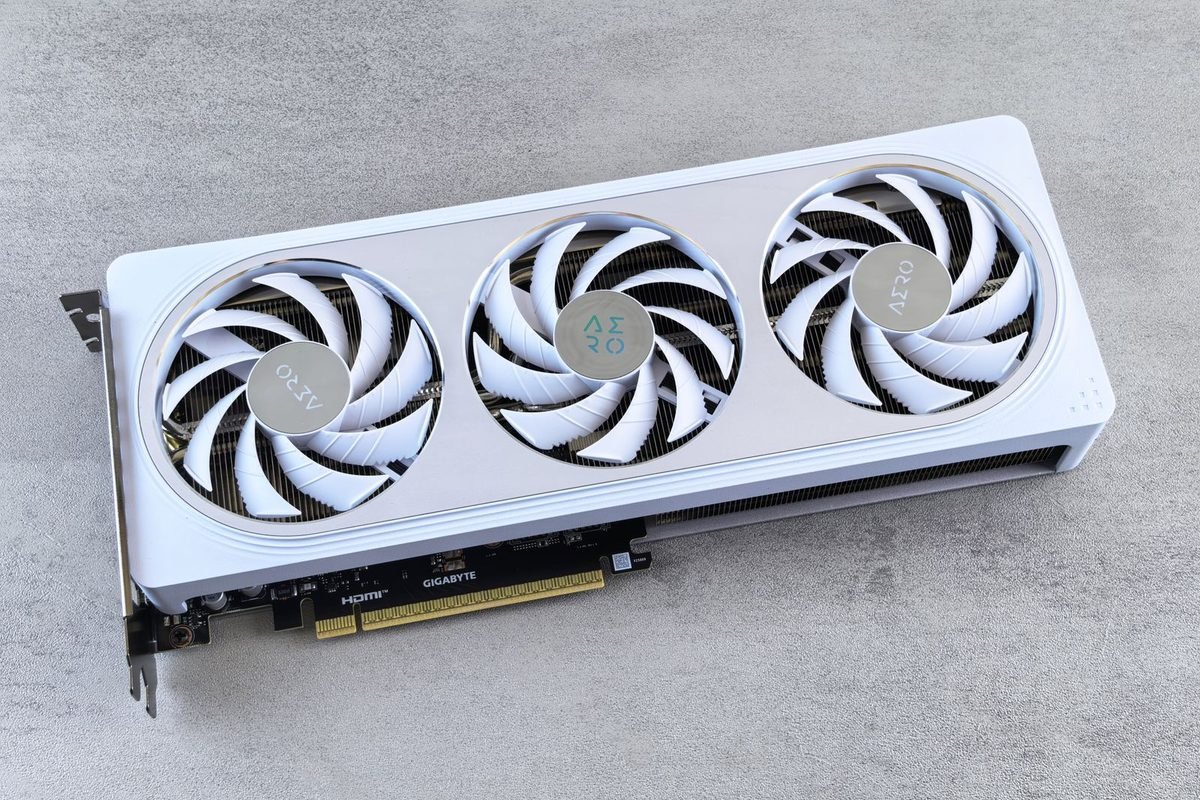
Two layers of naming sit on every product. NVIDIA names the GPU, such as "GeForce RTX 5070 Ti". Then the board partner, such as ASUS, MSI, Gigabyte, Palit, Zotac, PNY, Inno3D or Gainward, adds its own product line and edition words. So a listing combines an official GPU name with marketing words created by the brand selling the card.
What NVIDIA controls
NVIDIA decides the GPU name, the chip, the base specifications and the feature set. These do not change between brands, apart from small clock-speed differences.
What partner brands control
Partners choose the cooler design, fan count, lighting, board quality and factory clock speed. They also choose the names of their product lines. These choices affect noise, temperature, size and price.
Why mistakes happen
Several features of the naming system invite errors. Suffixes can be easy to overlook. One model can come in more than one memory size. Laptop parts reuse desktop names. And similar-sounding names from rival companies add confusion. The sections below take each in turn, starting with the core pattern.
The core pattern: brand, series, tier, suffix
Almost every RTX 50 card follows the same four-part pattern. Learn it once and you can read all of them.
Part one: GeForce RTX
GeForce is NVIDIA's gaming graphics brand. RTX marks cards with dedicated ray tracing and AI hardware, a feature set introduced with the RTX 20 series. Cards without it use the older GTX label, covered in our article on the difference between GTX and RTX.
A different RTX label to watch for
NVIDIA also sells professional cards under names such as RTX PRO. These are workstation products with different drivers and prices. A card named "GeForce RTX" is aimed at gaming and general creative use; a card named "RTX PRO" is not a cheaper alternative to it.
Part two: the series number
The first two digits of the four-digit number show the generation. In "5070", the "50" means the 50 series. A "40" would mean the RTX 40 series, a "30" the RTX 30 series. A higher series number is newer, but a newer low-tier card is not always faster than an older high-tier card. For example, an upper-tier card from an older generation can outperform a lower-tier card from a newer one.
Part three: the tier number
The last two digits show where the card sits within the generation. In the RTX 50 desktop range, the tiers are 50, 60, 70, 80 and 90. Higher means a larger chip, more memory and more power. Think of them as steps on a ladder: the 90 is the top, the 50 the bottom.
The "in-between" tiers
The tiers 60, 70 and 80 are the heart of the range. Between them sit suffixed models, so the ladder has more rungs than the tier digits alone show.
Part four: the optional suffix
After the number, a suffix may appear. The most common is "Ti". Others used in past generations include "Super". Suffixes mark a variant sitting between two tiers or a refreshed model. The next section covers them in more detail.

What each suffix means
Suffixes are short but they change the product. Use the table to see how each is used.
| Suffix or label | Usual meaning | Example |
|---|---|---|
| Ti | A faster variant sitting between two base tiers | RTX 5070 Ti sits between the 5070 and the 5080 |
| Super | A mid-cycle refresh used in some earlier generations | Used on RTX 40 series cards |
| D | A regional variant for specific markets | The 5090 D |
| Laptop | A mobile version with lower power | RTX 5070 Laptop GPU |
| (none) | The base model of its tier | RTX 5070 |
Ti: the step-up model
Ti stands for Titanium, a name NVIDIA has used for years to mark a stronger version of a card. In the RTX 50 family, the 5060 Ti and the 5070 Ti are the Ti models. A Ti usually has more calculation units, and sometimes more memory, than the base card in the same tier. It also costs more and may draw more power.
Is Ti always worth it?
Not automatically. A Ti is worth it when the gain in performance or memory fits your screen and games. Check the price gap and the specification difference, and choose the step that your resolution actually needs.
Super: a label from earlier generations
NVIDIA used "Super" for refreshed cards in the RTX 20 and RTX 40 families. This guide does not assume any RTX 50 Super cards exist. If you see a listing with "Super" in an RTX 50 name, check NVIDIA's official site, because mislabelled or fake listings are a known problem.
D: the regional variant
A "D" suffix, as in the RTX 5090 D, indicates a version made for particular markets with adjustments to meet local rules. It is not a better or worse product in a general sense, but it is a different one. UK buyers will typically see standard models, and you can confirm the name on the product page.
Laptop GPUs
Laptop cards are officially called, for example, "GeForce RTX 5070 Laptop GPU". They are different chips or different configurations from the desktop cards, tuned for lower power. We cover this in the section on laptops below.
Why one name can hide two different cards
Even with a suffix, a name may not identify a single configuration. The most important example in this family is the RTX 5060 Ti.
The RTX 5060 Ti with 8 GB or 16 GB
NVIDIA sells the RTX 5060 Ti with either 8 GB or 16 GB of GDDR7. Both are called "RTX 5060 Ti". The GPU is the same, but the memory amount differs, and that changes how the card behaves in memory-hungry games. A listing that omits the gigabytes is incomplete.
How to protect yourself
Look for the gigabyte figure in the product title and in the specification table. If it is missing, ask the seller before paying. When the card arrives, confirm the memory with the NVIDIA App or a tool such as GPU-Z.
Why this matters for price comparisons
The 16 GB version usually costs more. When you compare prices between shops, compare like with like, or you may think one shop is cheaper when it is selling the smaller version.
Other repeat names to watch
Some partner cards share a product line across several GPUs. A brand's "Gaming" line may include the 5070 and the 5070 Ti, with similar boxes. Read the GPU line carefully, not just the series styling.
Partner brand words: what OC, Gaming, Ventus and the rest mean
After the GPU name, partners add product line names. They are marketing labels, but they follow patterns.
Edition words: OC, SOC, White and more
"OC" means the card is factory overclocked, with a boost clock a little above NVIDIA's reference. The difference is usually small. Other words such as "White" refer to colour, and "Edition" or "Launch Edition" refer to special packaging or early releases. None of them change the GPU model.
What a factory overclock really gives you
The extra speed is typically modest, and cards often reach similar clocks anyway once temperatures settle. Pay a small premium for OC only if the cooler is also better, not for the clock number alone.
Do you lose the warranty if you overclock?
Factory-overclocked cards are sold with the clocks supported. Manual overclocking rules differ between brands, so read the warranty terms.
Product line names by brand
Each brand has tiers of product lines, usually from basic to premium. The names below are examples taken from retail RTX 50 listings, including those on the site's RTX 5090 specifications page. Lines change over time, so treat them as examples.
| Brand | Example product lines |
|---|---|
| ASUS | Prime, TUF Gaming, ROG Astral |
| MSI | Ventus 3X, Gaming Trio, Suprim, Vanguard |
| Gigabyte | Windforce, Gaming OC, Aorus Master |
| Palit | GameRock |
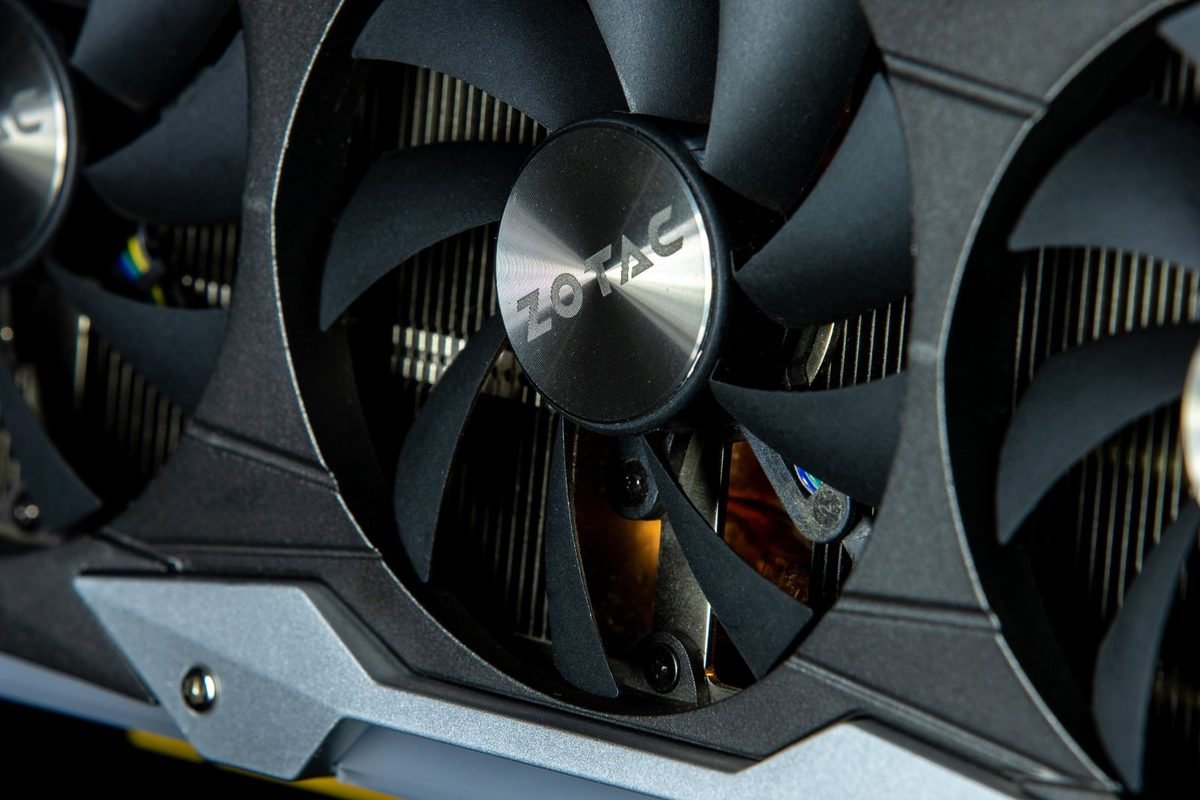
| Zotac | Solid, AMP Extreme |
| PNY | Triple Fan, ARGB EPIC-X |
| Inno3D | X3, iChill |
How tiers usually work
Entry lines tend to have simpler coolers and lower prices. Premium lines have larger coolers, better power circuitry, more lighting and higher prices. If you want a quiet, cool card, a mid-tier line is often the best balance. The detailed comparison of ASUS TUF Gaming and ROG Astral shows what you gain by moving up a tier.
Founders Edition: NVIDIA's own card
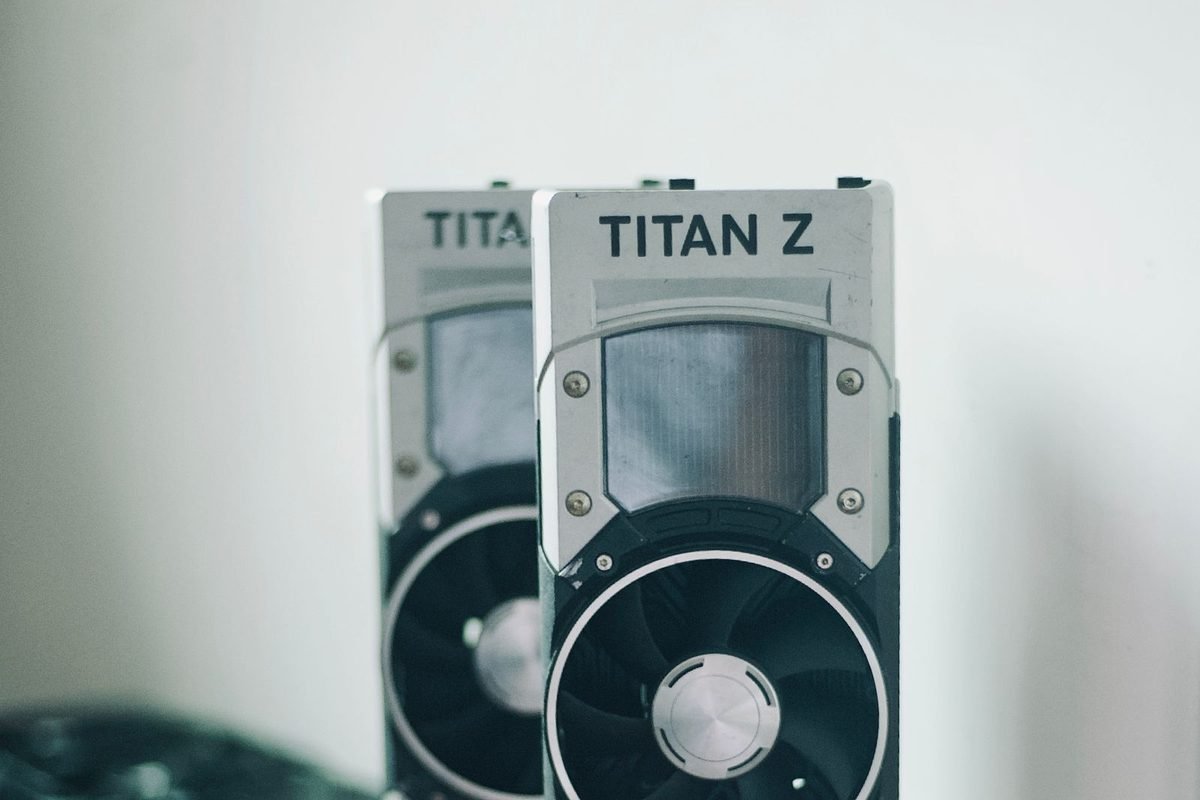
NVIDIA also builds and sells its own reference design, called the Founders Edition. This is the "standard" version that partners compare themselves against.
What the Founders Edition is
The Founders Edition is designed by NVIDIA with a distinctive cooler. It is sold directly by NVIDIA and through selected retailers, typically in limited quantities. Specifications match NVIDIA's reference figures.
Why people want it
Founders Edition cards are often compact for their power class, and are usually sold at NVIDIA's list price, which can be an attraction when partner cards cost more.
Why people avoid it
Availability can be limited, and some cases or cooling needs suit larger partner designs better. Compare size, noise and warranty before choosing.
What to check in a listing
If a listing says "Founders Edition" from a marketplace seller, verify the seller. Scams often use the name of a hard-to-find product to attract buyers.
Laptop names: the biggest source of confusion
Laptop graphics deserve their own section because the names are the most misleading in the whole range.
Same name, different product
A laptop RTX 5070 is not a smaller version of the desktop RTX 5070 with the same chip. Laptop GPUs use their own configurations and lower power limits to fit into thin bodies with limited cooling. As a rule of thumb, they perform closer to a desktop card one or two tiers lower, though this is only a guideline.
Power limits change the result
Laptop makers choose a power limit within a range set by NVIDIA. Two laptops with the same GPU name can perform differently if one is allowed more power. When buying, look for the stated power rating and independent reviews.
Memory can differ too
Some laptop GPUs carry less memory than the desktop card of the same name. Check the exact gigabytes.
Why the naming stays the same
NVIDIA keeps the names consistent across desktop and laptop to make the brand recognisable. The side effect is that buyers must read the specification, not the name, to know what they are getting.
How to verify the name of a card you own or are about to buy
Do not rely on the listing alone. A few simple checks give you certainty.
Before you buy
Compare the GPU name, memory amount and memory type across the retailer page, the manufacturer's product page and, if available, a review of the exact model. Write down the board's model code, which appears in the manufacturer's specification table.
Questions to ask a seller
Ask for the exact model name, the memory amount and the warranty length. A genuine seller answers quickly. A reluctant or evasive answer is a warning sign.
After it arrives
Check the box label against the order. Install the card and look at the name in the NVIDIA App or Windows Task Manager. Then use GPU-Z to check the chip name and memory. If something does not match the order, contact the seller before the return window ends. Our guides to updating RTX drivers and fixing broken drivers help make sure software is not the cause of confusing readings.
Rival names that sound similar
Another source of confusion is that competitors use similar number schemes. AMD's Radeon cards use names such as "RX 9070", which looks like "RTX 5070" at a glance. Intel's Arc cards use their own names. These are different companies with different features. When you read "RX" instead of "RTX", you are looking at an AMD card.
Why it matters for features
DLSS, Multi Frame Generation and Reflex are NVIDIA features. AMD and Intel have their own upscalers. A comparison article should state clearly which company makes each card. Our graphics cards comparison helps place them side by side.
A quick decoder: three example names
Practise on real-looking names.
Example one: "GeForce RTX 5060 Ti 16GB"
GeForce RTX means a gaming card with ray tracing hardware. 50 is the series. 60 is the lower-middle tier. Ti marks the stronger variant. 16GB tells you the memory version.
Example two: "MSI GeForce RTX 5070 Ventus 3X OC"
MSI is the brand. The GPU is an RTX 5070. Ventus 3X is the product line with three fans. OC marks a factory overclock.
Example three: "GeForce RTX 5080 Laptop GPU"
This is a laptop chip, not the desktop RTX 5080. Look for power rating and memory before comparing it with anything else.
A short history of GeForce naming
Knowing how the names evolved explains why the system looks the way it does today.
From GeForce 256 to the GTX era
NVIDIA introduced the GeForce brand in 1999 with the GeForce 256, and for years it used plain numbers that grew with each generation. Later, letters such as GT and GTX were added to mark performance tiers, so a GTX card was a stronger gaming part than a GT card in the same generation.
Why numbers jumped around
For a while NVIDIA changed numbering schemes between families, which made comparing across generations awkward. The current four-digit pattern, with the first two digits for the generation and the last two for the tier, has been stable for several generations and is easier to read.
The RTX era
In 2018 NVIDIA launched the RTX 20 series, adding ray tracing and AI hardware and replacing GTX with RTX on the main cards. Some GTX cards continued for budget buyers, but the RTX label became the sign of the newer feature set. The RTX 50 series continues that naming line.
What this means for old cards
If you own a GTX card, it lacks the dedicated ray tracing and AI hardware, so it cannot use DLSS. Our explainer on GTX versus RTX walks through what you gain by moving to RTX.
Name traps to watch for when shopping
Most buyers never meet a problem, but a few traps are worth knowing, particularly when buying from marketplaces or unfamiliar sellers.
Listings that omit key details
Some listings give only "RTX 5060 Ti" with a picture. Without the memory amount, you cannot know which version you will get. Reputable sellers list the gigabytes and the full model code. If those are missing, ask before you buy.
Photos that do not match
If the pictures show a different model, a different brand or a generic render rather than the product, treat the listing with caution. Look for photos of the actual box and ports.
Misleading titles and keyword stuffing
Titles that list many models, such as "RTX 5090 5080 5070 Ti graphics card", are a warning sign. A genuine listing identifies one product. Another trick is adding a model name that the seller does not actually sell, to appear in more searches.
Pre-built computers with vague descriptions
Prebuilt gaming computers are sometimes advertised as "RTX 50 series" without stating which card. The difference between an RTX 5050 and an RTX 5080 is enormous, so insist on the exact model. A respectable seller lists the full specification of each component.
OEM and system-integrator cards
Some cards are sold only inside branded computers and have unusual model names or no retail box. They may follow NVIDIA's specifications but carry limited warranty terms and may use non-standard parts. If you plan to upgrade a prebuilt computer, check that the replacement card fits and that you understand the warranty.
Fake or counterfeit hardware
Counterfeit graphics cards, such as old cards re-labelled as newer ones, have been reported in the market. Prices that seem too good to be true usually are. Buy from established retailers, check reviews of the seller, and verify your card with a specification tool as soon as it arrives. The chip name in GPU-Z should match the product.
How to compare two listings step by step
A repeatable method removes guesswork. Use it whenever you compare two prices.
- Write down the exact GPU name from each listing, including any suffix.
- Write down the memory amount and type.
- Confirm the cooler size: number of fans and slot thickness.
- Check the factory boost clock if you care, but treat it as a minor factor.
- Compare the warranty length and the seller's return policy.
- Compare the price per listing, and note shipping and delivery times.
What to do if the details differ
If one listing shows 8 GB and the other 16 GB, they are different cards. If one is a laptop part and one a desktop part, they are not comparable. If you cannot confirm a detail, assume the worse one until you do.
A worked example
Suppose two RTX 5060 Ti listings differ by a noticeable amount in price. Before treating the cheaper one as a bargain, check its memory amount. If it is the 8 GB model and the other is the 16 GB model, the price gap probably reflects a real difference. Whether the extra memory is worth paying for depends on the games and settings you use, which our guide to how much VRAM you need can help you judge.
Why partner brands sell so many versions of one GPU
A single GPU model can appear in a dozen retail versions. Understanding why helps you avoid overspending.
Different budgets, same chip
Brands want a card at every price. They build a basic version with a simpler cooler and a premium version with a larger cooler and extra features. The chip underneath is the same, so average performance differs only slightly. What changes is how cool, quiet, large and good-looking the card is.
Cooling is the main real difference
A bigger cooler can keep the chip cooler at the same noise, or the same temperature at lower noise. Over a long gaming session, that translates to steadier clock speeds and a quieter computer.
Lighting and styling are cosmetic
RGB lighting, metal backplates and special colours add cost and character, but not frames per second. If your case has no window, lighting adds nothing.
Size and compatibility are the practical differences
A premium card can be long, tall and thick. Before choosing, measure your case. A smaller, simpler card that fits easily is a better purchase than a premium one that does not.
Weight and support
Heavier cards can sag in the slot over time. Some come with support brackets, and many cases offer supports. This matters more as cards grow.
Warranty terms can differ by brand
Warranty length and conditions vary between brands and sometimes between product lines. Some partners offer longer cover on premium models, and some require product registration to unlock extended terms. Read the warranty page before buying, keep your receipt and note whether the cover transfers to a second owner, because that affects resale value later. A card with a slightly higher price and a clearer warranty can be the better purchase over its lifetime.
What to prioritise
If your goal is value, pick a mid-range line from a reputable brand with a good warranty. If your goal is quiet operation, read noise measurements from independent reviews. If your goal is small size, filter by dimensions first. Matching the card to your priorities beats choosing by the longest product name.
Naming terms in one place
- GeForce: NVIDIA's gaming graphics brand.
- RTX: marks cards with ray tracing and AI hardware.
- Series number: the first two digits, showing the generation.
- Tier number: the last two digits, showing rank within the generation.
- Ti: a stronger variant between two base tiers.
- D: a regional variant for specific markets.
- Laptop GPU: a mobile version with lower power.
- Founders Edition: NVIDIA's own reference card.
- OC: a factory-overclocked partner card.
- Partner or board partner: a company such as ASUS or MSI that builds its own card using NVIDIA's chip.
How naming affects price and resale
Names influence what you pay and what you can sell for later.
Premium lines cost more
Higher product lines from the same brand add cost for cooling, lighting and build quality. They do not always add meaningful performance, so decide whether the extras matter to you.
Resale value
Cards from respected brands with good cooling and clear model codes are easier to sell later. Keep the box, receipts and accessories. A buyer will want proof of authenticity, especially for a high-end model.
Keep proof of what you bought
Photograph the box label, the card's serial sticker and the invoice soon after delivery. If you ever need to claim under warranty or sell the card, this record shows the exact model, which avoids arguments about which version you own. Store the files with your other computer receipts.
Watch for early-release premiums
When a model is new, scarce stock can lift prices above the manufacturer's suggested figure. Prices settle over time as supply improves. Our buying guidance for graphics cards discusses ranking options by value for different budgets.
Frequently asked questions about RTX 50 model names
What does Ti mean in RTX 50 series cards?
Ti stands for Titanium and marks a stronger variant that sits between two base tiers. The RTX 5070 Ti, for example, is placed above the RTX 5070 and below the RTX 5080. It usually offers more calculation units or memory, costs more and may draw more power than the base card.
Is an RTX 5060 Ti 8GB the same as the 16GB version?
The GPU is the same, but the memory amount differs, which changes how the card handles memory-hungry games. Both are sold as RTX 5060 Ti. Always check the gigabytes in the listing and confirm the card after delivery, because the 16 GB version usually costs more.
What does OC mean on a graphics card?
OC means the card is factory overclocked, with a boost clock slightly above NVIDIA's reference figure. The difference in performance is usually small. It does not change the GPU model, so judge a card by its cooler quality, noise and price as well as the clock speed.
Is a laptop RTX 5080 the same as a desktop RTX 5080?
No. The laptop version uses a different configuration, runs at lower power and may have different memory. Laptops generally perform closer to a desktop card one or two tiers lower. Compare reviews of the exact laptop model and its power rating instead of relying on the name.
What is the Founders Edition?
The Founders Edition is NVIDIA's own reference card, designed and sold by NVIDIA with a distinctive cooler. It follows NVIDIA's reference specifications and is often sold at list price in limited quantities. Partner brands such as ASUS and MSI sell their own designs of the same GPU.
Does a higher model number always mean a faster card?
Within the same generation, yes in general. Across generations, no. A lower-tier card from a newer series can be slower than a higher-tier card from an older one. Compare actual specifications and independent tests, especially when choosing between a new mid-range card and an older high-end one.