Two cards, one name
The name suggests a minor variation. The behaviour in demanding games suggests otherwise.
What is identical
Both versions use the GB206 die. Each has 36 SMs, so 4,608 CUDA cores, 144 Tensor cores and 36 RT cores. Both pair a 128-bit bus with GDDR7 at 28 Gbps, giving 128 divided by 8, which is 16 bytes, multiplied by 28, a bandwidth of 448 GB/s. Both are rated at 180 W and offer the full DLSS 4 feature set. On the site's relative chart they share a score of 35, since the chart does not separate memory capacity.
What differs
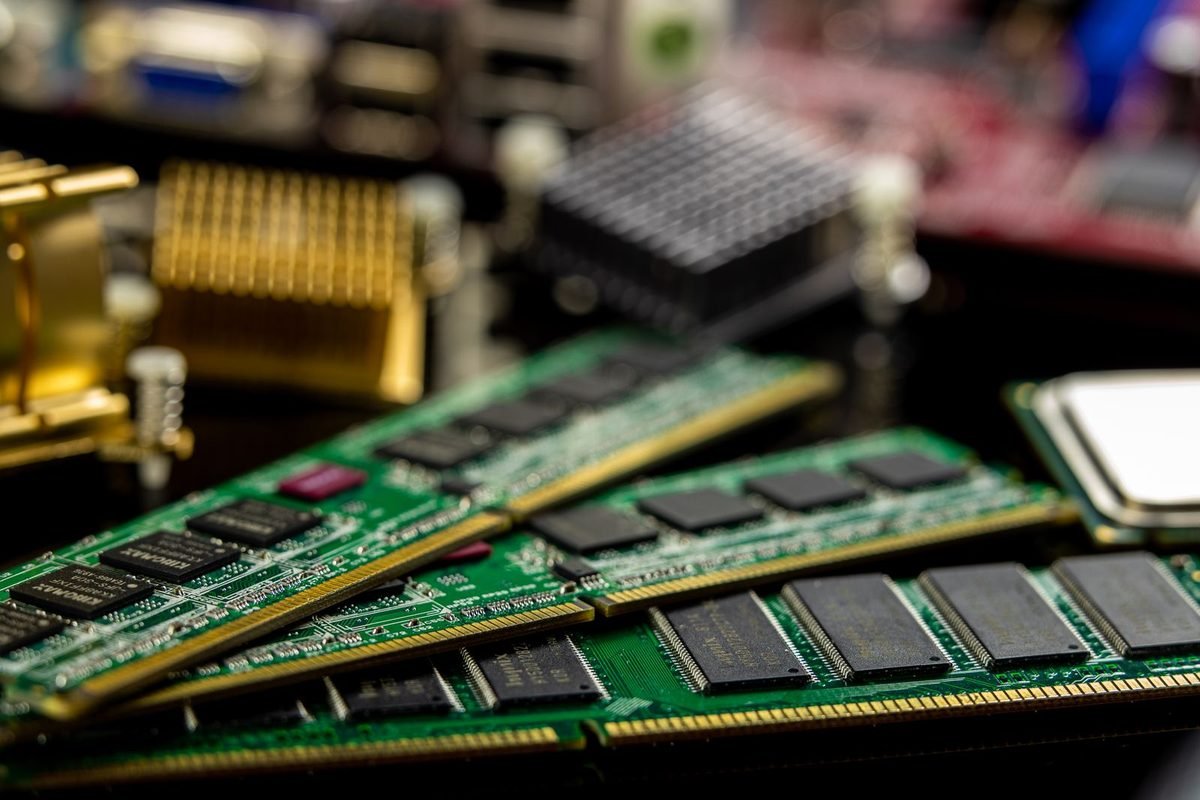
Only capacity differs. Four 2 GB GDDR7 modules on the 128-bit bus give 8 GB. The 16 GB version places modules on both sides of the board in a clamshell arrangement, with two modules per 32-bit channel, each running at half width. Bandwidth stays the same, and capacity doubles. The board costs more to build, and the retail price reflects that.
Why capacity matters here
With a narrow bus and limited compute, the card relies on its memory pool to avoid stalls. A pool that is too small forces the engine to stream from system memory, which crosses a PCIe 5.0 x8 link. The RTX 5060 Ti position in the lineup explains where this card sits.
| Parameter | RTX 5060 Ti 8 GB | RTX 5060 Ti 16 GB |
|---|---|---|
| GPU die | GB206 | GB206 |
| SMs and CUDA cores | 36 and 4,608 | 36 and 4,608 |
| Memory | 8 GB GDDR7 | 16 GB GDDR7 |
| Bus width | 128-bit | 128-bit |
| Bandwidth | 448 GB/s | 448 GB/s |
| Total graphics power | 180 W | 180 W |
| PCIe interface | 5.0 x8 | 5.0 x8 |
| Relative performance (5090 = 100) | 35 | 35 |
The PCIe x8 detail
Many buyers overlook the link width.
Link bandwidth
A PCIe 5.0 x8 link carries about 32 GB/s in each direction, equal to a PCIe 4.0 x16 link. On a PCIe 4.0 motherboard, the card runs at 4.0 x8, which is about 16 GB/s. On a PCIe 3.0 motherboard, it is about 8 GB/s.
Why it matters for 8 GB
When VRAM is full, spillover traffic crosses this link. At 8 GB/s, spillover is very slow, and stutter worsens. The 16 GB version spills less often, so the link matters less for it. Older platforms therefore penalise the 8 GB card more than the 16 GB card.
Checking your platform
Check your motherboard's PCIe generation in the BIOS or system information. The article on PCIe 5.0 motherboards explains the figures.
Where 8 GB holds up
Honest limits include situations where the cheaper card is fine.
1080p with medium to high textures
At 1080p, many games fit within 8 GB. Render targets are small and the texture pool at high settings usually fits. With DLSS, memory pressure falls further.
Esports and older titles
Competitive and older games use modest memory. The 8 GB card is plenty for them, and it reaches high frame rates thanks to the architecture.
Short-term purchases
If you plan to replace the card in a year or two, or the price gap is large, 8 GB is a legitimate saving.
Where 16 GB pulls ahead
The extra memory pays off in several situations.
1440p with high textures
At 1440p, texture pools fill quickly. The 16 GB card holds high textures with room for ray tracing and frame generation, while the 8 GB card often needs medium textures.
Ray tracing and frame generation
Both features add buffers. On an 8 GB card, enabling them can push memory past the limit, causing stutter. The 16 GB card absorbs them. The Multi Frame Generation guide explains the extra cost.
Longevity
Memory requirements rise over time. A 16 GB card keeps high settings longer, a topic examined in the 12 GB VRAM article.
Creative and AI work
Local AI models and video editing both need memory. A 7-billion-parameter model at 4-bit needs about 3.5 GB plus context, which fits in either card, but larger models and timelines fit only in the 16 GB version.
Clamshell memory explained
The 16 GB version relies on a layout that deserves explanation.
Normal layout
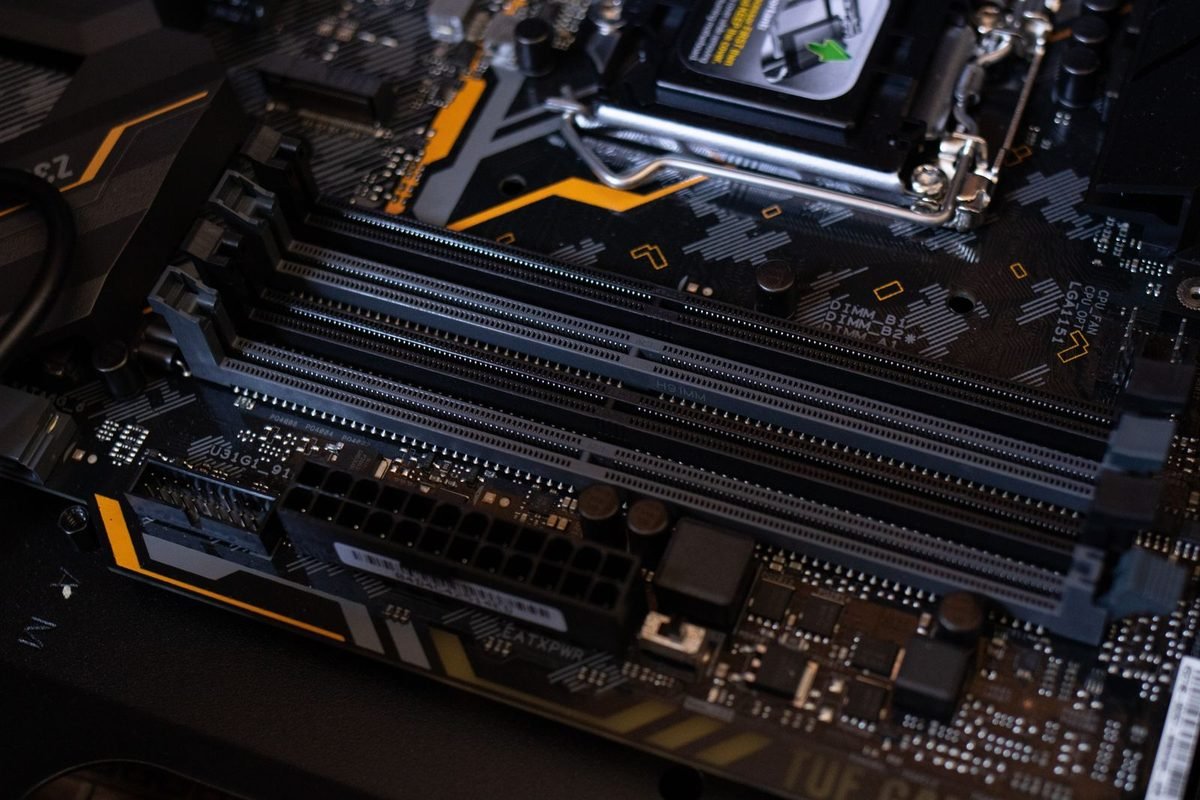
In a standard layout, each 32-bit memory channel connects to a single module. A 128-bit bus has four channels, so four modules. With 2 GB modules, the total is 8 GB. Every module occupies one side of the board near the GPU.
Clamshell layout
In clamshell mode, two modules share each channel, one on each side of the board. Each module runs at half the channel width, 16 bits, so the total bus width is unchanged. Capacity doubles to 16 GB with eight modules, while bandwidth remains 448 GB/s. The cost comes from more modules, a more complex board and cooling for the back side.
Cooling the rear modules
Modules on the back of the board need cooling too. Partner designs add backplates or thermal pads. Check that the model you choose does this, because rear memory can run hot in cramped cases.
Why not a wider bus
A wider bus would raise bandwidth and cost more die area and board complexity. The GB206 die was designed for 128 bits, so capacity options come from module density and clamshell layout.
Compute and bandwidth limits
Memory is not the only limit on this card.
Compute limit
With 36 SMs, the card has roughly half the compute of the RTX 5070 Ti, which has 70. The chart score of 35 against 57 reflects that. Even with 16 GB, the card will not run the heaviest games at high settings at 1440p without upscaling.
Bandwidth per core
Dividing bandwidth by thousands of CUDA cores gives 448 divided by 4.608, which is about 97 GB/s per thousand cores. That is a healthy ratio, similar to the RTX 5070 Ti. The card is not starved of bandwidth relative to its compute, which is why its performance scales well with memory overclocks.
The cache
The card relies on L2 cache to reduce traffic. Higher-resolution workloads reduce hit rates, which explains why performance drops faster at 1440p than the pixel count alone suggests.
Upscaling as a lifeline
DLSS lowers the pixel count and reduces cache pressure and memory use. At 1440p, DLSS Quality renders at about 960p, which is closer to the card's comfort zone.
| Output resolution | DLSS mode | Internal resolution | Comfort on this card |
|---|---|---|---|
| 1080p | Native | 1920 by 1080 | Excellent |
| 1440p | Quality | About 1707 by 960 | Good |
| 1440p | Balanced | About 1485 by 835 | Good with ray tracing |
| 4K | Performance | 1920 by 1080 | Playable in lighter games |
Practical performance expectations
Without invented figures, here are patterns to expect.
1080p
High refresh rates are realistic in most games at high settings. Ray tracing is possible with DLSS and frame generation.
1440p
Playable at high settings with DLSS Quality in most games. Heavy ray tracing needs Balanced and frame generation. The 16 GB card holds steadier frame times.
4K
Possible only with DLSS Performance in lighter games, or with frame generation. The card is not aimed at 4K.
Frame generation on 8 GB
Frame generation adds memory use. On the 8 GB card at 1440p, enabling it can tip memory over the limit, so reduce textures first.
Settings advice for each version
Tune differently depending on capacity.
For the 8 GB card
Use medium to high textures, DLSS Quality at 1080p or Balanced at 1440p, and avoid stacking ray tracing, frame generation and high textures together. Close background applications, and watch for texture pop-in.
For the 16 GB card
Keep textures at high, enable DLSS Quality at 1440p, use ray tracing selectively and add frame generation when the base frame rate is above about 60.
Both versions
Cap the frame rate a few frames below the refresh rate, keep Reflex on and use variable refresh rate. The best settings guide for the RTX 5070 Ti explains the method in detail, and it applies equally here.
Value maths for choosing
Prices change, so use a method.
Cost per point
Divide the price by the chart score of 35 for each version. The 16 GB version will cost more per point, since the score is identical, but the score does not capture stutter or longevity. Add a judgement for those factors.
Compare with the RTX 5070
The RTX 5070 scores 45 and has 12 GB. If a 16 GB RTX 5060 Ti costs close to an RTX 5070, the latter offers about 29 percent more performance, though less memory. Decide whether compute or capacity matters more for your games. The RTX 5070 complete guide lists its strengths.
Compare with the previous generation
The RTX 4060 Ti scores 31 on the chart and also came in 8 and 16 GB versions. The RTX 5060 Ti improves on it by about 13 percent in score, plus faster GDDR7 and DLSS 4 features.
A worked example
Suppose the 8 GB card costs 350 and the 16 GB card costs 430, both illustrative prices. The cost per point is 10 and 12.3. The extra 80 buys 8 GB of memory, which is 10 per gigabyte. If that avoids the need to replace the card a year earlier, the premium pays for itself.
Why 8 GB cards fail in specific ways
When memory runs out, failure has recognisable patterns.
Texture downgrades without warning
Many modern engines silently reduce texture resolution when the budget is tight. You may select high textures yet see medium-quality assets, particularly on distant surfaces. This is hard to notice without side-by-side comparison, and it explains why benchmark averages can look fine while the picture is quietly worse.
Pop-in and delayed sharpening
Textures load late, so surfaces appear blurry for a second or two before sharpening. It is most visible when turning quickly or entering a new area.
Frame-time spikes
When the engine must fetch assets from system memory, a single frame can take 50 ms or more. The average barely moves, but 1% lows and 0.1% lows suffer. A graph shows isolated tall spikes on an otherwise flat line.
Crashes and driver resets
In extreme cases, memory exhaustion triggers a crash. If your game crashes only at high textures, lower them and see whether the crashes stop.
Cascading effects with frame generation
Frame generation needs extra memory for motion vectors, depth and generated frames. On 8 GB, enabling it can push usage past the limit and lower the real frame rate, which defeats the purpose.
Which games stress 8 GB
Recognise the categories.
Recent open-world and story games
Large, detailed worlds use big texture pools. At 1440p with high textures, many such games exceed 8 GB.
Ray-traced showcases
Ray tracing adds acceleration structures. Combined with textures, usage climbs.
Games with optional high-resolution packs
These packs are intended for larger cards. Skip them on 8 GB hardware.
Games that remain easy
Esports titles, older releases and indie games rarely tax memory. For those, the cards perform identically.
Understanding the relative score
The chart score of 35 applies to both cards.
What it means
On the chart, the RTX 5060 Ti sits at 35 against 100 for the RTX 5090. That is about 61 percent of the RTX 5070 Ti and 78 percent of the RTX 5070. It is a mid-range performer built for 1080p and 1440p.
What it misses
The chart averages performance and does not capture stutter or texture quality. An 8 GB card can have the same average as a 16 GB card yet feel worse in demanding games.
Using it correctly
Use the chart to compare compute. Use memory capacity to judge longevity and smoothness. Combine both to decide.
| Card | Score | VRAM | Notes |
|---|---|---|---|
| RTX 5070 | 45 | 12 GB | 48 SMs |
| RTX 5060 Ti 16 GB | 35 | 16 GB | 36 SMs |
| RTX 5060 Ti 8 GB | 35 | 8 GB | 36 SMs |
| RTX 5060 | 30 | 8 GB | 30 SMs |
| RTX 4060 Ti | 31 | 8 or 16 GB | Previous generation |
Tuning the RTX 5060 Ti
A small card rewards careful tuning.
Undervolting
At 180 W, an undervolt may save 20 to 35 W. The method matches other cards: use the voltage-frequency curve, lock a point and test. The RTX 5070 overclock and undervolt guide describes the full procedure.
Memory overclocking
Memory offsets raise bandwidth beyond 448 GB/s. Because the card is somewhat bandwidth-sensitive, small gains are possible. GDDR7 error handling can reduce scores before crashes, so test.
Power limit
A lower power limit reduces heat and noise at modest cost to performance.
Cooling
The cards run cool in most cases. Keep the case airflow tidy, and check the rear memory temperature on the 16 GB version.
Choosing by resolution and use
A decision table helps.
| Your situation | Recommended |
|---|---|
| 1080p, short-term, tight budget | 8 GB |
| 1080p, long-term | 16 GB |
| 1440p, any mix of settings | 16 GB |
| Older PCIe 3.0 platform | 16 GB |
| Local AI or editing | 16 GB |
| Esports only | 8 GB |
The middle path
If you find the 16 GB price too high, consider the RTX 5070 with 12 GB, which adds compute and still has more memory than the 8 GB model.
The upgrade path
Cards do not upgrade memory, so pick capacity you will not outgrow within your ownership period.
Features shared by both versions
Neither version gives up the modern feature set.
DLSS 4 and Multi Frame Generation
Both support Super Resolution, Ray Reconstruction, Frame Generation and Multi Frame Generation. At this tier, these features matter more than raw speed, because they let a modest card reach high displayed frame rates. The key restriction is memory, which is where the 16 GB version helps.
Media engines and AV1
Both include modern encoders and decoders. Streaming and recording in AV1 and HEVC are supported, and the 16 GB version has more headroom for editing workloads.
Display outputs
Both support the current display standards, so a high-refresh 1440p monitor runs without compromise.
Reflex and the NVIDIA App
Reflex lowers latency, and the NVIDIA App provides driver updates and DLSS overrides. Both are available on either card.
Planning for the next three years
Think about how requirements may move.
Game requirements
Developers target consoles with about 16 GB of unified memory, and PC ports commonly recommend 8 to 12 GB of VRAM at high settings. As engines adopt more ray tracing and higher-quality assets, requirements drift upward.
Monitor upgrades
A move from 1080p to 1440p increases the pixel count by 78 percent and raises render target memory. If you expect to buy a 1440p monitor soon, buy the memory for it now.
Resale
Cards with more memory tend to resell better, since buyers value capacity. That partly offsets the original premium.
A rule of thumb
If you keep a card for three years or more, buy the 16 GB version. If you upgrade every year, the 8 GB version is acceptable.
Common mistakes when choosing
Assuming the names mean equal experience
The identical name hides a substantial difference in demanding games. Always check which version a listing offers.
Ignoring the platform
An 8 GB card on a PCIe 3.0 board suffers more from spillover. Check your motherboard.
Over-focusing on averages
Look at 1% lows and texture quality, not only the average frame rate.
Skipping the monitor decision
Pair the card with a monitor that matches its strengths. A 1440p, 144 Hz monitor with variable refresh rate is a good partner.
Benchmarking the two versions yourself
If you own one version, you can estimate what the other would do.
Identify memory-bound moments
Run your games with an overlay, and note moments when VRAM is near full. Those are the moments where a 16 GB card would behave differently.
Simulate with settings
Lower textures one step on the 8 GB card and compare. The change in 1% lows approximates the penalty you pay.
Use a consistent route
Walk the same path each time, and run three passes. Record the median of each metric so that outliers do not mislead you.
Interpret the result
If lowering textures by one step fixes the stutter and the image looks acceptable, you have a workable compromise. If it does not, the 16 GB version is worth the premium.
Power and efficiency
The 180 W rating makes the card easy to power.
Watts per point
Dividing 180 W by the chart score of 35 gives about 5.14 watts per point. That is lower than the RTX 5070 at 5.56 and the RTX 5070 Ti at 5.26, which makes this card the most efficient of the three on this crude measure. Real efficiency varies with the workload.
Running cost
At 180 W, 100 hours of full-load gaming uses 18 kilowatt-hours. At a hypothetical 30 pence per unit, that is £5.40.
Supply and cables
A modest supply with the required connector works. Choose a unit with margin and quality cables, as the GPU power cable guide explains.
Small-form-factor builds
The low power draw and compact coolers make the card a good fit for small cases. Check that the version you choose fits, and keep airflow healthy.
Real-world buying scenarios
Concrete cases clarify the choice.
Scenario one: first gaming PC at 1080p
A student builds a first PC with a 1080p, 144 Hz monitor and plays popular online games. The 8 GB card reaches the monitor's refresh rate in these titles. A future monitor upgrade may justify the 16 GB card, but for now the saving is sensible.
Scenario two: 1440p monitor and single-player games
A player with a 1440p monitor wants high settings in new single-player games. The 16 GB card holds textures high with DLSS Quality and gives smooth frame times. The 8 GB card needs compromises.
Scenario three: older platform upgrade
A player keeps an older PCIe 3.0 system and fits a new card. The x8 link becomes a limit, so the 16 GB version avoids the worst spillover penalties.
Scenario four: creative hobbyist
A hobbyist edits video and experiments with local AI. The 16 GB version fits larger projects and models. The 8 GB version restricts both.
Scenario five: streamer
A streamer plays and encodes simultaneously. The encoders handle the stream, while the extra memory leaves room for overlays and capture software.
How to verify which version you bought
Retail listings sometimes bury the capacity, so check before you pay and after delivery.
Before purchase
Read the full model name on the retailer page, not only the headline. The capacity appears as 8GB or 16GB in the product title and in the specification table. If the listing omits it, ask the seller or choose another one.
After installation
Open the NVIDIA App or GPU-Z style tools to read the installed memory. Windows also shows dedicated GPU memory in the Task Manager performance tab. Confirm that the figure matches your order, and keep the receipt and packaging until you have tested the card.
Returns
If the card does not match your order, return it promptly within the retailer's window. Photograph the box label and the on-screen readout as evidence.
Warranty registration
Register the card with the partner brand if the scheme requires it. Warranty length can depend on registration, so do it in the first weeks.
Frame pacing and perceived smoothness
Smoothness is the experience that memory capacity changes most.
Why averages mislead
Two cards can post the same average frame rate and feel entirely different. The one that spills into system memory produces occasional long frames. Your eyes notice those long frames as stutter, even when the average looks fine. This is why reviewers publish 1% and 0.1% lows alongside averages.
What to watch
In your overlay, watch the frame-time line rather than the frame-rate number. A flat line means a smooth experience. Spikes mean trouble. If spikes coincide with VRAM reaching its limit, you have found a memory problem, and the solution is either lower textures or a larger pool.
Setting expectations
On the 16 GB card, you should see flat frame-time lines in most games at 1440p with high textures. On the 8 GB card, expect to adjust settings in a handful of demanding games. Neither is a failure, because the card was priced for its position.
A final check
Run your most demanding game for 20 minutes with the frame-time graph visible. If the line stays flat, your configuration works.
Summary of the decision
Treat the two versions as different products that share a name. If your games, resolution and ownership plans all point to modest demands, the 8 GB card is a fair saving. If any of them point to growth, choose the 16 GB card and enjoy steadier frame times.
Compatibility and system notes
Details that affect the build.
Power
At 180 W, a quality 550 W supply usually suffices, though retailers may suggest more. Check the page for your model.
Case
Most models are compact. Check length, thickness and the rear-memory cooling.
Platform
The x8 interface works in any PCIe slot, but speed depends on the platform. On older boards, prefer the 16 GB card.
Monitor
A 1080p or 1440p monitor with variable refresh rate suits the card. Higher resolutions call for a bigger card.
Further reading
For context from other tiers, compare the RTX 5060 versus RTX 4060 real-world results and the RTX 5060 Ti versus RTX 4060 upgrade article. Both help you judge how much a generational step is worth.
Summary
The RTX 5060 Ti 8 GB and 16 GB share the GB206 die, 36 SMs, 448 GB/s of bandwidth and a 180 W rating. They differ only in memory capacity, delivered through a standard layout or a clamshell design. The 8 GB version suits 1080p and short-term use, whereas the 16 GB version suits 1440p, ray tracing, frame generation and longevity. Check your PCIe generation, compare the price premium with the cost per point, and consider the RTX 5070 if compute matters more than capacity.
Frequently asked questions about the RTX 5060 Ti 8GB and 16GB
Is the RTX 5060 Ti 16GB faster than the 8GB version?
When the game fits in 8 GB, the two perform the same, since compute and bandwidth are identical. When the game exceeds 8 GB, the 16 GB card is much smoother because it avoids spilling into system memory. The difference appears in 1% lows more than in averages.
Is 8GB enough for 1080p gaming?
Often yes. Many games at 1080p with high settings fit within 8 GB, particularly with DLSS. Some newer games with ultra textures or ray tracing exceed it, so you may need to lower textures one step. It is a reasonable choice if you accept those trade-offs.
Does the RTX 5060 Ti 16GB have a wider memory bus?
No. Both versions use a 128-bit bus and offer 448 GB/s. The 16 GB version uses a clamshell layout, with modules on both sides of the board, to double capacity without changing bus width or bandwidth. Capacity differs, but bandwidth and bus width do not.
Does the PCIe x8 interface matter?
On a PCIe 5.0 or 4.0 platform, the effect is small. On a PCIe 3.0 board, the link is slower, and spillover from a full 8 GB pool is more punishing. The 16 GB version is less affected, because it spills less often.
Which should I buy for 1440p?
The 16 GB version. At 1440p the extra memory keeps textures high and lets you use ray tracing and frame generation without stutter. The 8 GB version is better suited to 1080p, where its pool is rarely exhausted. Choose 8 GB only for 1080p.
Is the 16GB version worth the price premium?
If the premium is modest compared with the card's price, yes, because it extends the useful life and avoids stutter. If the premium is large, an RTX 5070 with 12 GB may be a better use of money. Compare using the cost-per-point method and your resolution.