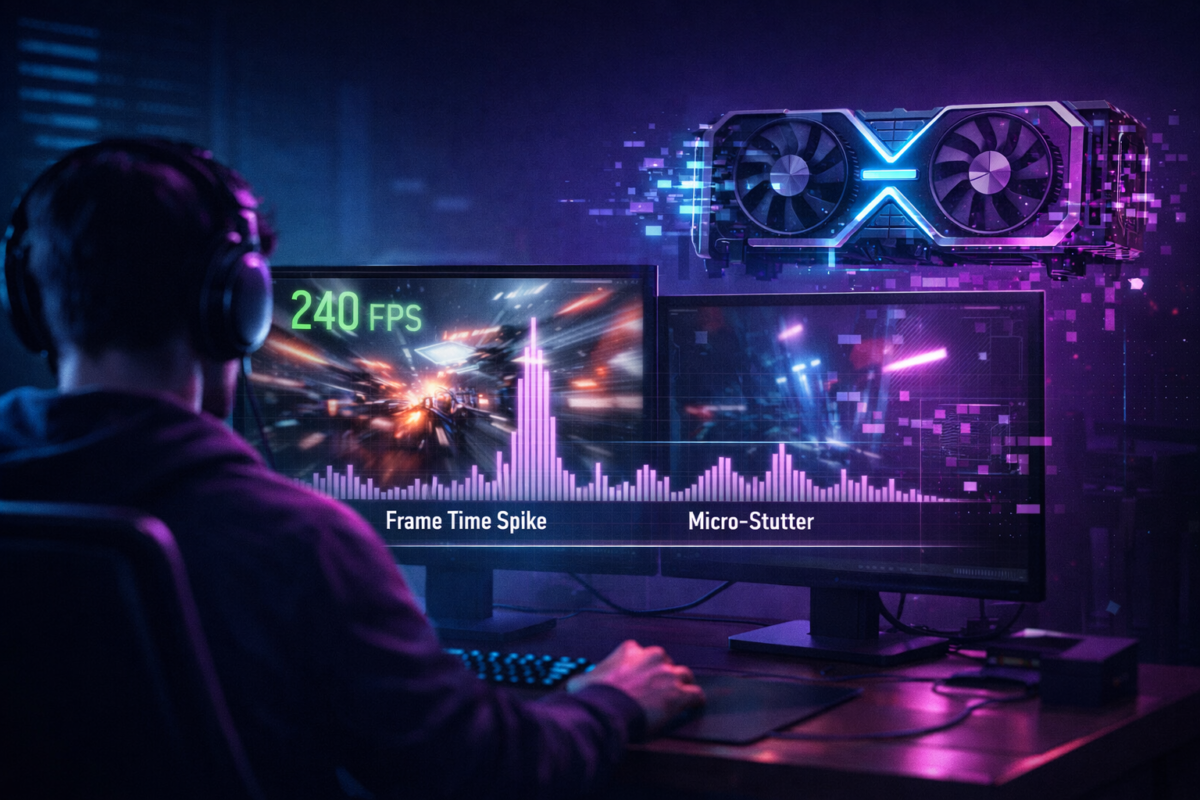
17 Jan GeForce RTX 5090, How to How to Calm Down CPU/GPU Spikes on RTX 5090 and Kill Those Annoying One-Off Stutters February 14, 2026 By abdulhayeeseemab@gmail.com 0 comments Even if your RTX 5090 is showing 90–140 FPS at 4K, you can still get random half-second freezes or tiny hitc... Continue reading
17 Jan GeForce RTX 5090, How to What “Latency and Clarity First” Actually Means February 14, 2026 By abdulhayeeseemab@gmail.com 0 comments For competitive play, your priorities flip compared with cinematic single-player: Continue reading
17 Jan GeForce RTX 5090, How to Why the RTX 5090 Has Enough VRAM and Raw Horsepower at 4K (and Why You Can Still Stutter) February 14, 2026 By abdulhayeeseemab@gmail.com 0 comments The RTX 5090 has more than enough VRAM and raw GPU horsepower to drive modern games at 4K with high or ultra... Continue reading
17 Jan GeForce RTX 5090, How to Cinema-Level Visuals with Stable Frametimes on RTX 5090 & RTX 50-Series February 14, 2026 By abdulhayeeseemab@gmail.com 0 comments If you want cinema-level visuals with stable frametimes on an RTX 5090, the goal isn’t “everything on max no... Continue reading
17 Jan GeForce RTX 5090, How to NVIDIA Reflex on RTX 5090: Turning 4K FPS Into Real Low-Latency Gameplay January 18, 2026 By abdulhayeeseemab@gmail.com 0 comments NVIDIA Reflex is a low-latency technology built into supported games and G-Sync displays that shortens the t... Continue reading
17 Jan GeForce RTX 5090, How to Why Some Heavy AAA Titles Behave Better with Custom Per-Game Settings (RTX 5090 Edition) January 18, 2026 By abdulhayeeseemab@gmail.com 1 comment Even with a sensible global NVIDIA profile, there are always a few big-name games that just… don’t behave. Continue reading
17 Jan GeForce RTX 5090, How to A Sensible Global Profile in the NVIDIA Control Panel for RTX 5090 & RTX 50-Series January 18, 2026 By abdulhayeeseemab@gmail.com 1 comment You’ve cleaned up your drivers, your RTX 5090 is stable, your 4K display is actually running 3840×2160 at 12... Continue reading
17 Jan GeForce RTX 5090, How to Before You Touch NVIDIA Control Panel: Make Sure the Software Talking to Your RTX 5090 Isn’t Half-Broken January 18, 2026 By abdulhayeeseemab@gmail.com 1 comment Most people start RTX optimisation in the wrong place. They ju... Continue reading
17 Jan GeForce RTX 5090, How to Gaming on a 4K TV Instead of a Dedicated Monitor (with RTX 5090) January 18, 2026 By abdulhayeeseemab@gmail.com 1 comment Hooking your RTX 5090 up to a 4K TV is tempting: Continue reading
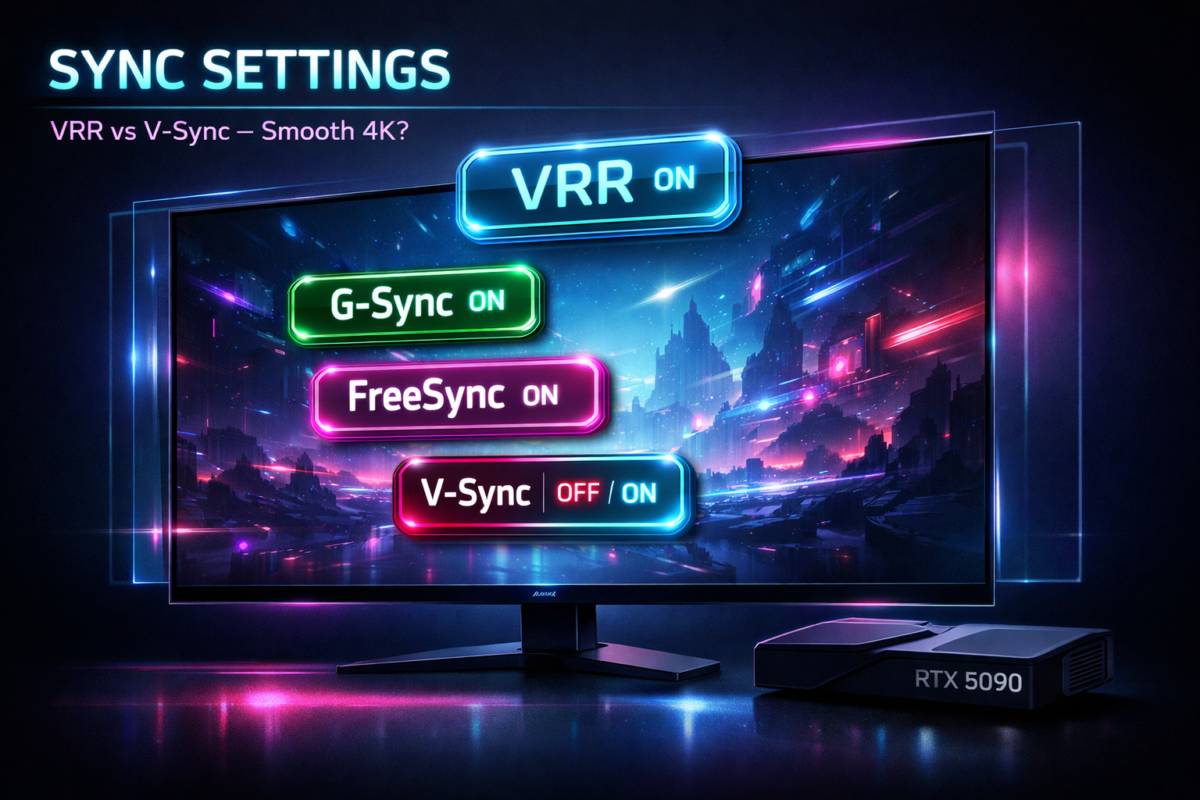
17 Jan GeForce RTX 5090, How to VRR, G-Sync, FreeSync and V-Sync: The Sync Settings That Make or Break 4K RTX 5090 Smoothness January 18, 2026 By abdulhayeeseemab@gmail.com 1 comment You can have a monstrous RTX 5090, a 4K 120–144 Hz display and still end up with: Continue reading
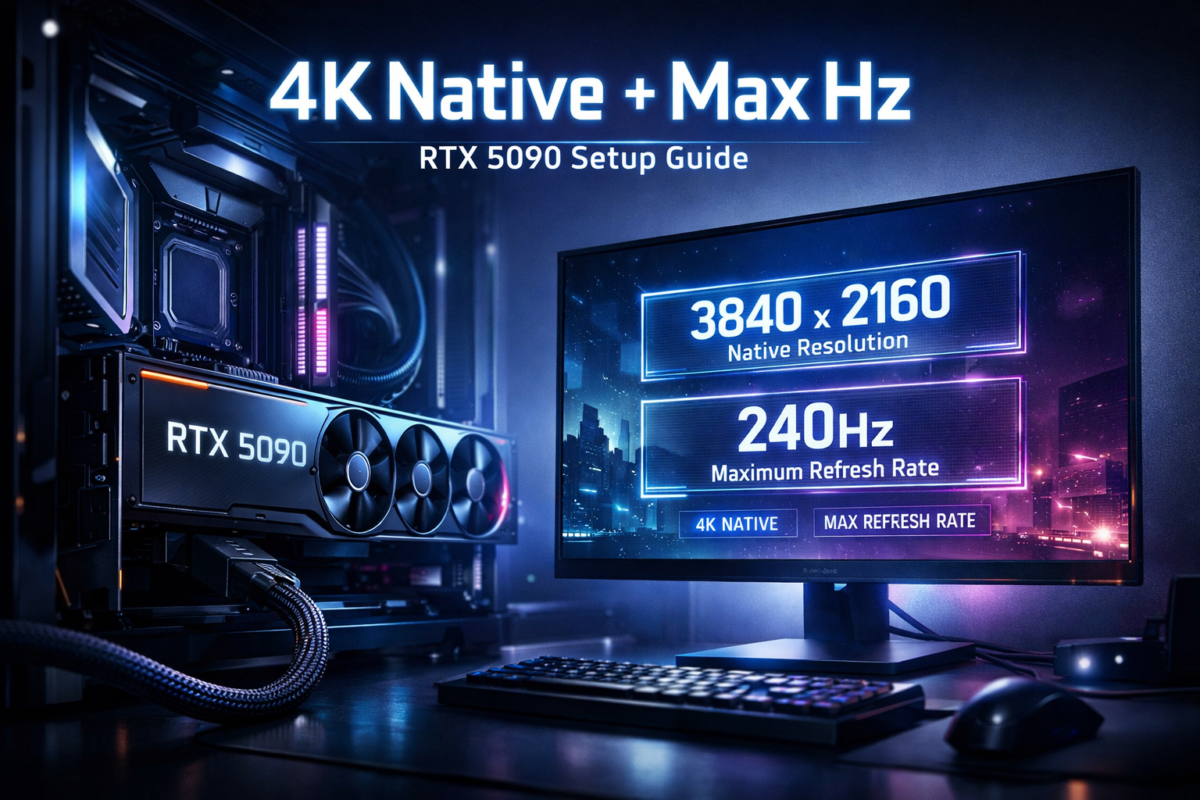
17 Jan GeForce RTX 5090, How to How to Run Your 4K Display at Its Native Resolution and Maximum Refresh Rate with an RTX 5090 January 18, 2026 By abdulhayeeseemab@gmail.com 1 comment You’ve got an RTX 5090 and a 4K display that proudly advertises 120 Hz or 144 Hz… but if you actually check ... Continue reading
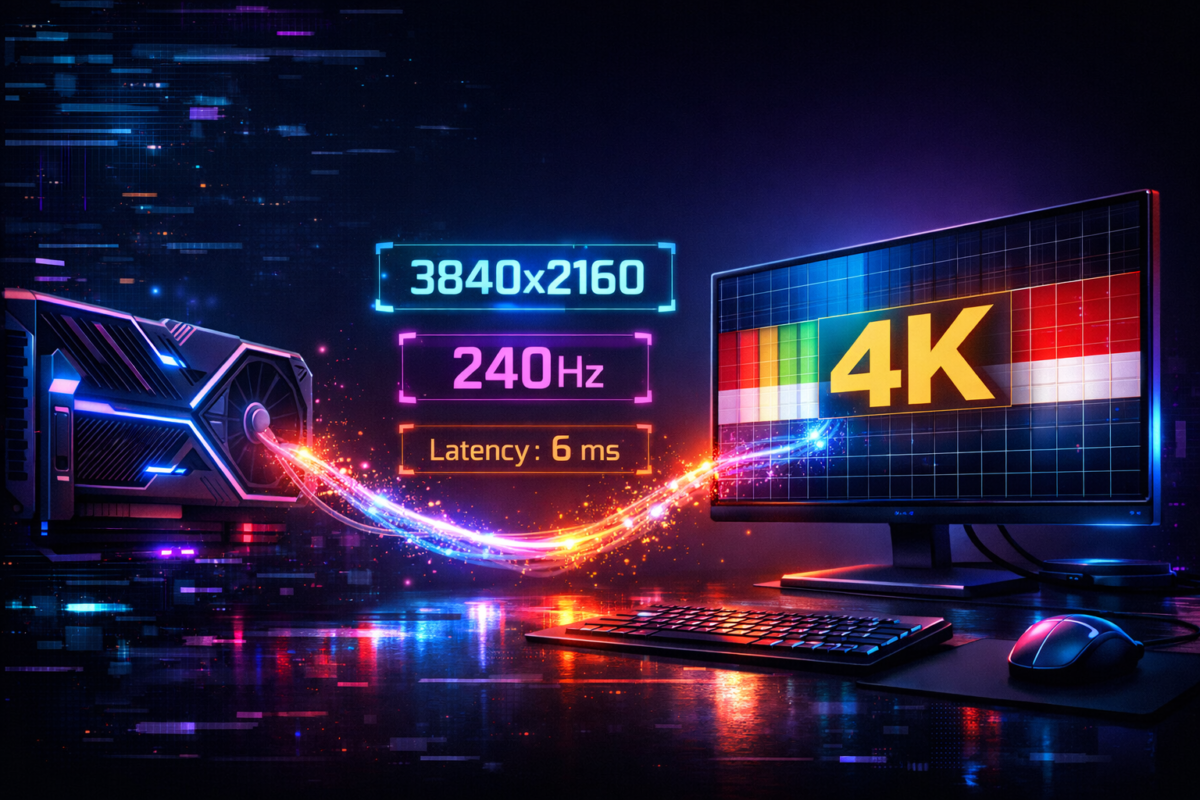
17 Jan GeForce RTX 5090, How to RTX 5090 + 4K Display: How to Make Sure They’re Actually Talking at the Right Resolution, Refresh Rate and Latency January 18, 2026 By abdulhayeeseemab@gmail.com 1 comment You can spend a fortune on an RTX 5090 and a 4K “gaming” display, and still not be running: Continue reading
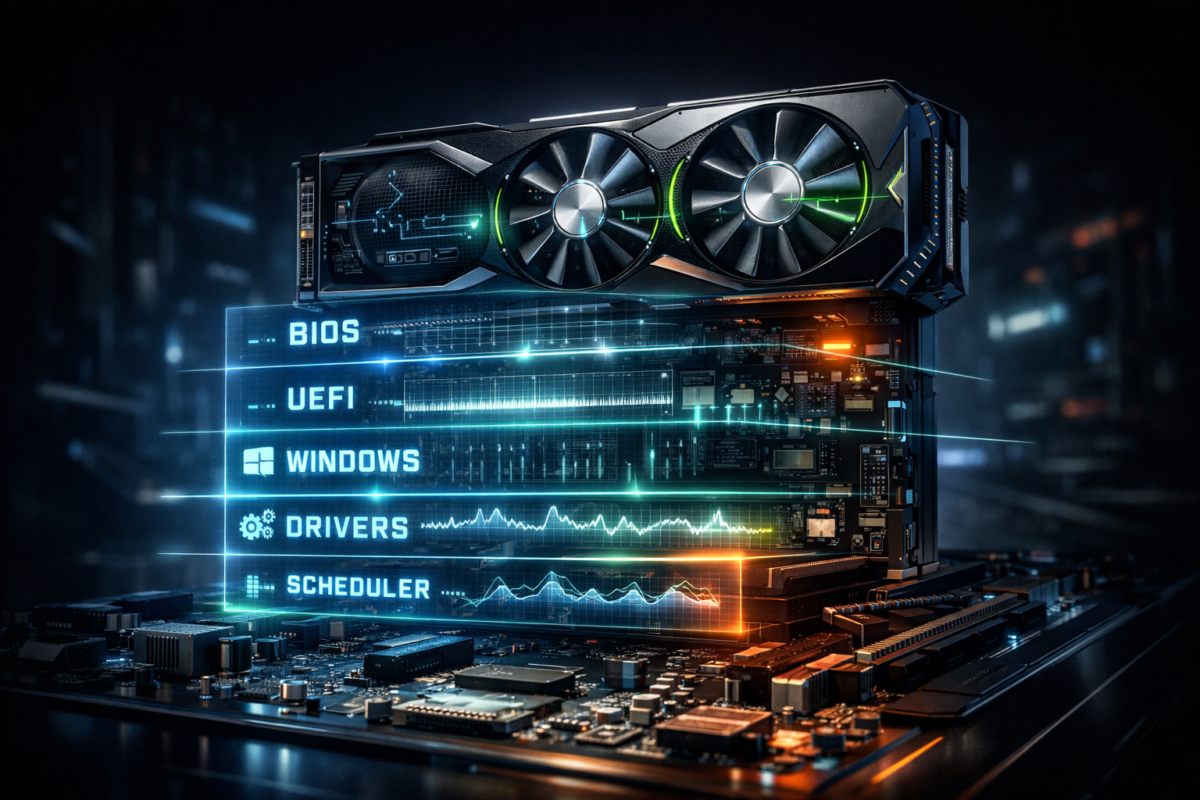
17 Jan GeForce RTX 5090, How to BIOS and Windows: The Invisible Foundation of Smooth 4K RTX 5090 Gaming January 18, 2026 By abdulhayeeseemab@gmail.com 1 comment For an RTX 5090 or other RTX 50-series card, BIOS and Windows settings are the hidden foundation of smooth 4... Continue reading
17 Jan GeForce RTX 5090, How to When Processor and Memory Quietly Become the Real Bottleneck in 4K RTX 50-Series Gaming January 18, 2026 By abdulhayeeseemab@gmail.com 1 comment In a high-end 4K gaming PC, the processor and memory can quietly become the real bottleneck when you pair a ... Continue reading
17 Jan GeForce RTX 5090, How to Proper Dedicated GPU Cables: The Quiet Upgrade That Makes Your RTX 50-Series Build Actually Stable January 18, 2026 By abdulhayeeseemab@gmail.com 1 comment Proper dedicated GPU cables means using individual, high-quality PCIe power cables that run directly from yo... Continue reading
17 Jan GeForce RTX 5090, How to Can an RTX 5090 Really Brute-Force Modern Titles at 4K Ultra? January 18, 2026 By abdulhayeeseemab@gmail.com 1 comment A flagship GPU like the RTX 5090 can brute-force many modern titles at 4K ultra by running them at native or... Continue reading
17 Jan GeForce RTX 5090, How to 3840×2160 Resolution, Ultra-Grade Image Quality and Consistently Smooth Motion (Explained for RTX 50-Series Owners) January 17, 2026 By abdulhayeeseemab@gmail.com 1 comment At 3840×2160 (true 4K), ultra-grade image quality with consistently smooth motion means: native or reconstru... Continue reading
17 Jan GeForce RTX 5090, How to Why High FPS Isn’t Always Smooth: The Real Reason Your Games Still Stutter on RTX 50-Series GPUs January 17, 2026 By abdulhayeeseemab@gmail.com 1 comment If you’ve ever loaded into a game, seen 120+ FPS on your counter, but still felt hitching, micro-stutter or ... Continue reading
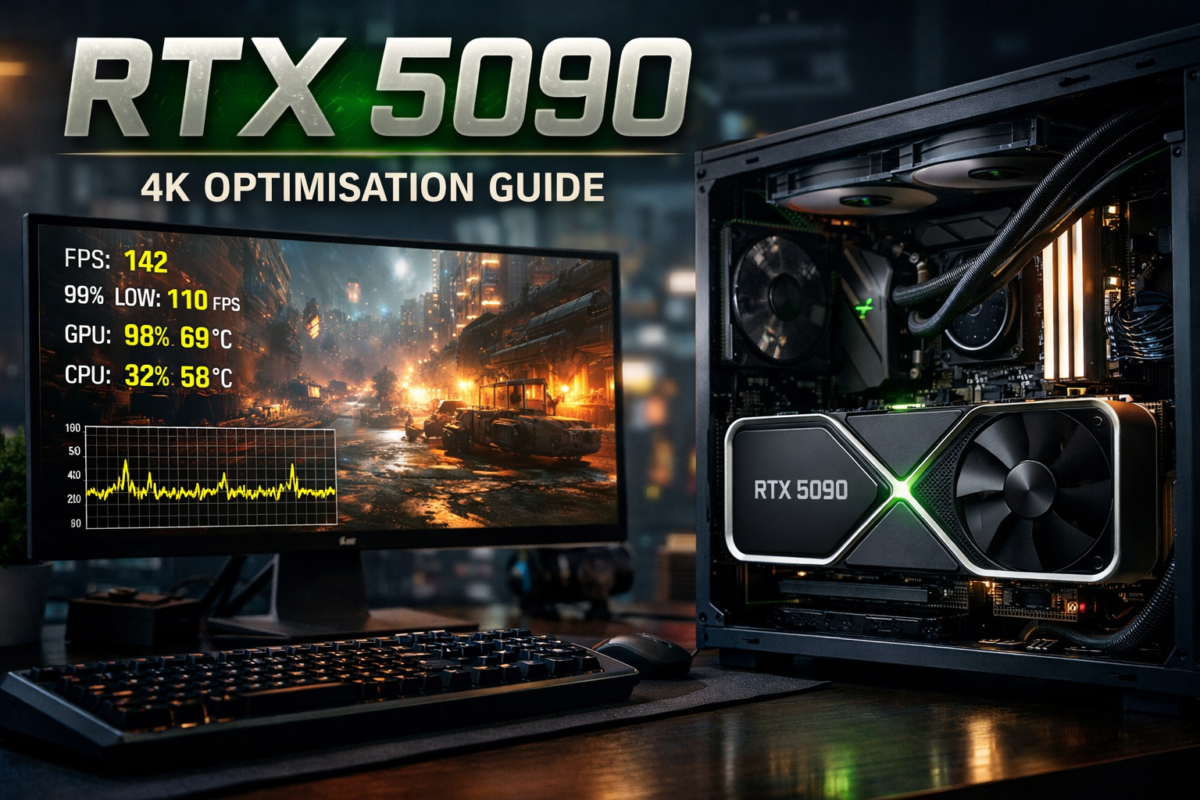
17 Jan GeForce RTX 5090, How to RTX 5090 Optimisation Guide: How to Get True 4K Ultra Without Stutter or Input Lag January 17, 2026 By abdulhayeeseemab@gmail.com 0 comments You’ve just dropped serious money on an RTX 5090, fired up your favourite AAA at 4K, and… it still hitches. ... Continue reading
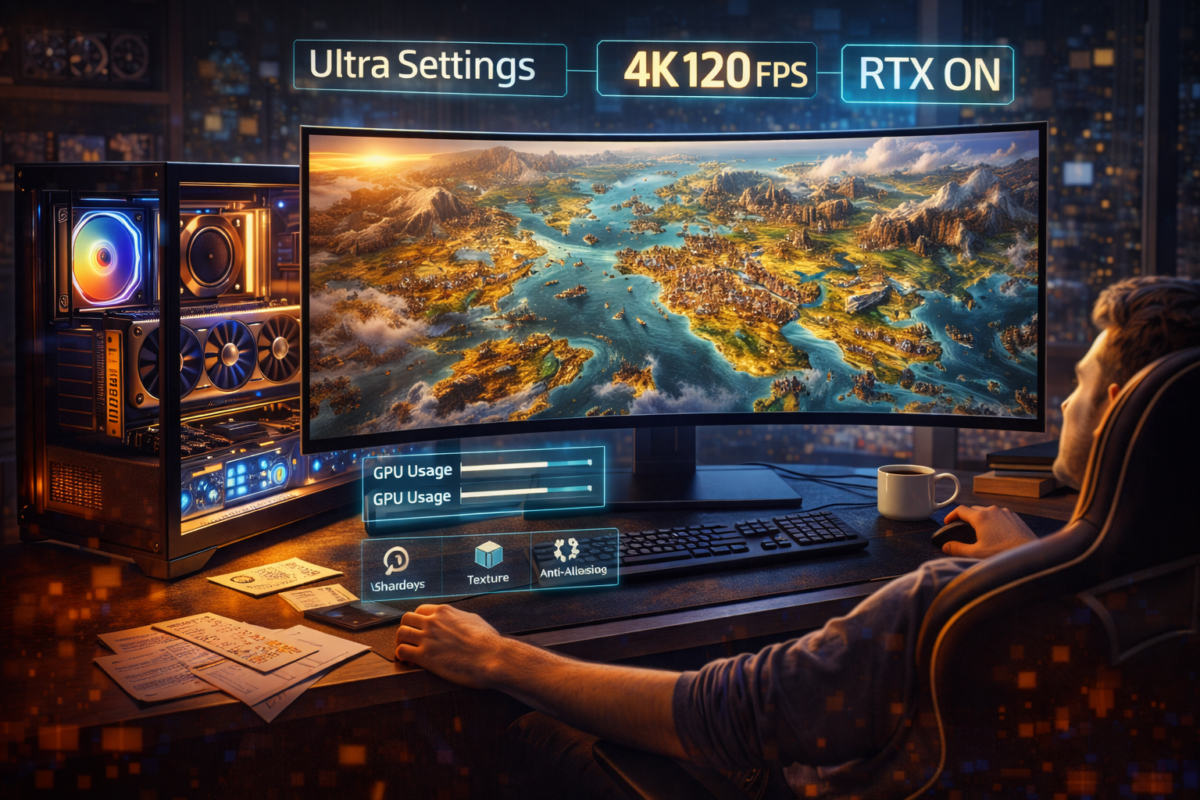
09 Jan Games, How to How to Use RTX 5090 to Run Civilization VII Smoothly on Ultra Settings January 9, 2026 By abdulhayeeseemab@gmail.com 0 comments Why Civilization VII Demands Smart RTX 5090 Optimization Civilizat... Continue reading