
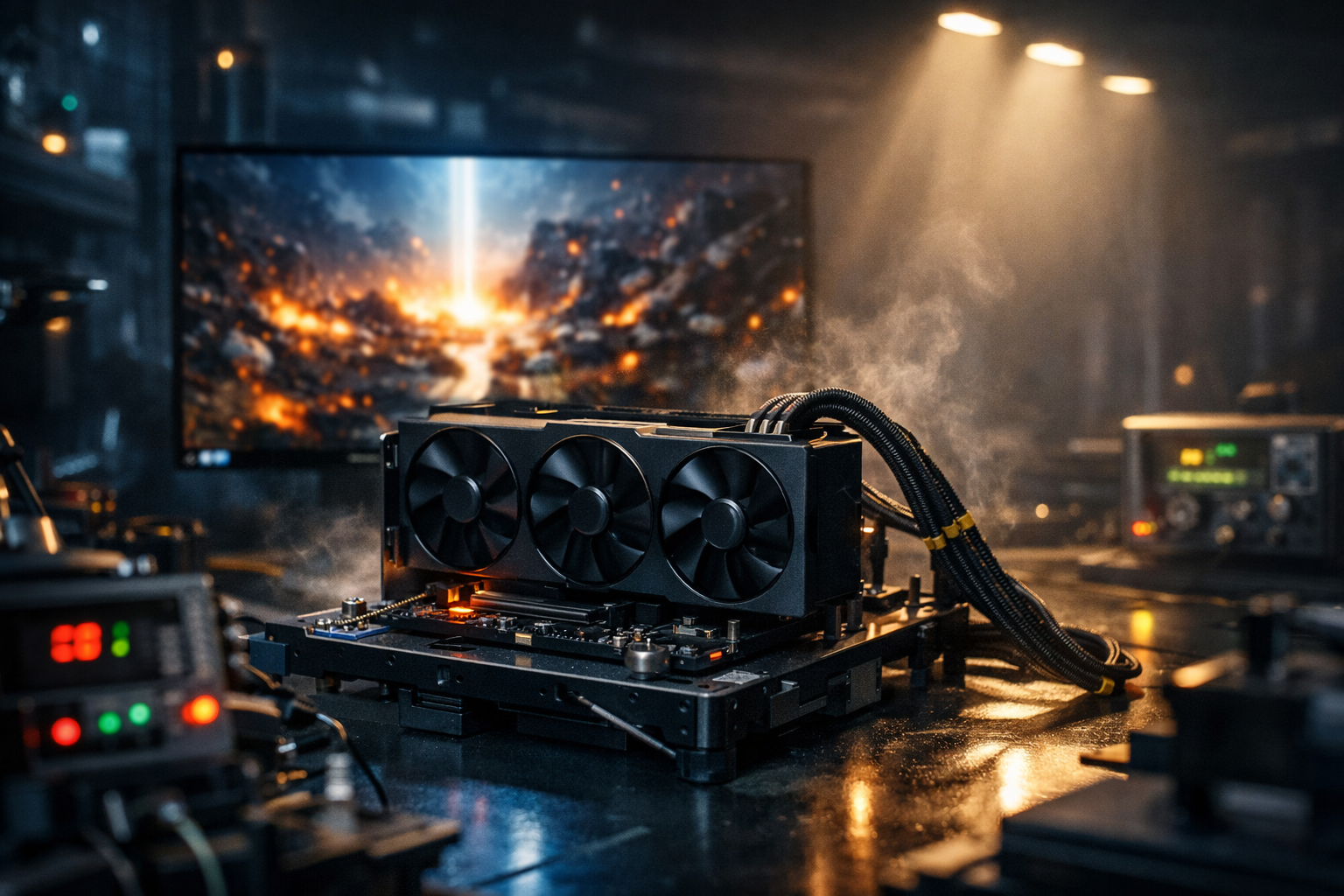
A flagship GPU like the RTX 5090 can brute-force many modern titles at 4K ultra by running them at native or reconstructed 4K with ultra settings and high frame rates. But even with that much power, you’ll still hit limits in heavy ray-traced games, poorly optimised PC ports and CPU-bound open worlds. The real “win” is combining brute-force power with smart settings, frametime control, VRR and latency tweaks – not just slamming every slider to max.
1. What Does It Mean to “Brute-Force” Modern Titles at 4K Ultra?
When PC gamers say a card can “brute-force” 4K Ultra, they usually mean:
- Resolution: 3840 × 2160 (true 4K UHD output)
- Settings: Ultra / Very High presets for textures, geometry and effects
- Ray tracing: Enabled at high quality in many titles
- Performance:
- 60–90 FPS in heavy AAA games
- 100–144 FPS in lighter or better optimised titles
In other words:
You fire up a modern game, hit the 4K + Ultra preset, maybe toggle DLSS to Quality, and it just runs.
For UK RTX 50-series owners, the RTX 5090 sits in that fantasy zone: it should be the kind of GPU that lets you mostly stop worrying about “Low vs Medium vs High” and instead focus on feel, smoothness and latency.
But there are caveats.
2. Where an RTX 5090 Can Genuinely Brute-Force 4K Ultra
A properly built RTX 50-series system (RTX 5090, high-end CPU, 32–64 GB RAM, fast NVMe storage) really can brute-force 4K ultra in a lot of scenarios.
2.1 Well-optimised modern AAA games
For big-name titles that ship in decent shape and don’t go insane with ray tracing:
- Set 4K, Ultra preset
- Flip on DLSS / FSR / XeSS in Quality mode if you want a bit more headroom
- Cap FPS just under your monitor’s refresh (e.g. 117–118 on 120 Hz)
You can realistically expect:
- 60–90 FPS with strong 1% lows in most story-driven games
- Near-maxed visuals without aggressive compromises
- Smooth play on both 4K OLED TVs and 4K 120/144 Hz monitors
2.2 Esports and competitive titles at 4K
Esports games are often much lighter than cinematic AAA monsters. On an RTX 5090:
- Native 4K or 4K + Quality DLSS
- High or even Ultra settings for models, textures and effects
- Trimmed shadows, clutter, volumetrics
This is where you really feel brute force:
- 150–240 FPS+ at 4K in many competitive titles (if CPU keeps up)
- Enough performance headroom to run Reflex + On/Boost, high refresh, and strong FPS caps without breaking a sweat
2.3 Older and last-gen titles
Anything designed for previous console generations or older PC hardware is basically target practice for an RTX 5090:
- Native 4K
- Everything on max
- Frame rates well beyond your panel’s refresh
Here the limit becomes CPU and engine design, not the GPU.
3. Where Brute Force Stops Working (Even on RTX 50-Series)
Even with obscene GPU power, there are categories of games where “just max everything” backfires.
3.1 Ultra-heavy ray tracing and path tracing
Path-traced lighting, full RT shadows at huge resolutions, dense RT reflections – these are brutal at 4K:
- The card may hit VRAM, shader and RT core limits
- You’ll see FPS dips and frametime spikes in big scenes
- 1% lows tank during explosions, rainstorms or city hubs
Here, even an RTX 5090 needs smart RT settings:
- Use RT High instead of RT Ultra/Psycho
- Drop secondary RT features (extra bounces, extreme reflection quality)
- Pair with DLSS Quality / Balanced to stabilise frametimes
3.2 Poorly optimised PC ports
You’ve probably seen this: a new game launches, looks gorgeous, and runs like a brick on everything.
Symptoms:
- Low GPU usage but awful frametimes
- CPU threads spiking for no good reason
- Stutter when crossing certain map boundaries or hitting scripted events
In those games, brute-force GPU power can’t fix bad streaming, dodgy CPU scheduling or engine bugs. You need:
- Patches and hotfixes from the devs
- Driver updates tuned for that title
- Sometimes a wait before the game genuinely behaves at 4K
3.3 CPU-bound open worlds at high refresh
At 4K 60 FPS, GPU is the main limit.
At 4K 120–144 FPS, your CPU joins the party:
- Large open worlds with lots of AI
- Crowded city hubs
- MMOs and battle royales with huge lobbies
If you notice:
- GPU at 60–70% usage
- One or more CPU threads near 100%
- Stutter in busy scenes but not in quiet areas
…then you’re CPU-bound. No amount of brute-force on the GPU side fixes that. You have to reduce:
- View distance
- Population/crowd density
- Background simulation and streaming load
4. The Hidden Cost of Brute-Forcing 4K Ultra
Running everything maxed at 4K Ultra looks great on paper, but brings trade-offs that UK players do feel day to day.
4.1 Power draw and UK energy bills
High FPS at 4K Ultra on a flagship GPU means high power draw:
- GPU pulls far closer to its power limit
- Fans spin harder, case temps rise
- Your electricity usage climbs, which is not trivial at UK prices
If you cap FPS sensibly (e.g. 90–120 FPS instead of 200+), you often:
- Reduce power draw
- Lower temperatures
- Cut fan noise
- Maintain identical perceived smoothness on a 120/144 Hz screen
4.2 Thermals, noise and stability
Hammering the GPU continuously at maximum power:
- Pushes core temps into the upper 70s / mid-80s °C in many builds
- Encourages clock oscillations and potential thermal throttling
- Can amplify coil whine and fan tone
This is where a slight shift from “brute-force everything” to “brute-force intelligently” pays off:
- Small settings reductions that shave 10–15% load
- Undervolting (for advanced users) to hold similar clocks at lower voltage
- Slightly more aggressive, but controlled, fan curves
5. Smart Brute Force: How to Use RTX 5090 Power Without Wasting It
The sweet spot is: use the brute-force power where it matters, and avoid spending frames where they don’t.
5.1 Use Ultra where it genuinely shows
Keep Ultra / Very High for:
- Textures – big win at 4K
- Model / geometry quality – cleaner silhouettes, less popping
- Primary lighting – overall realism
These scale beautifully with resolution and make the image feel truly premium on a 4K display.
5.2 Trim the worst offenders
Dial down by 1–2 notches:
- Shadows (Ultra → High / Medium)
- Reflections / Screen Space Reflections
- Volumetrics (fog, god-rays, fancy cloud layers)
- Crowds / foliage density in busy hubs
You free a lot of CPU and GPU time without trashing the 4K look.
5.3 Treat DLSS / reconstruction as part of brute force
Brute-forcing doesn’t have to mean native only. With RTX 50-series class hardware, the smartest approach is often:
- 4K output + DLSS Quality or Balanced
- Ray tracing one step below max
- FPS capped just under refresh with VRR on
You still get the 4K ultra aesthetic, but with:
- Much stronger 1% lows
- Fewer frametime spikes
- Lower power and temps
- More stable feel in dense scenes
6. How to Tell if You’re Actually Brute-Forcing a Game
Use a performance overlay and check:
- Resolution: 3840 × 2160 active signal in Windows
- GPU usage: 90–99% in heavy scenes (GPU-bound)
- CPU usage: no single core pegged at 100% constantly
- VRAM usage: high but not permanently maxed out
- FPS: in your target range (e.g. 60–120+)
- Frametime graph: mostly flat, only occasional small spikes
If that’s true with High/Ultra settings, you’re genuinely brute-forcing that title at 4K Ultra and your RTX 5090 is doing exactly what you bought it for.
If you see:
- GPU under-utilised
- CPU threads maxed
- VRAM hitting the ceiling
- Frametime graph full of spikes
…then raw brute force isn’t the limiting factor – something else is.
7. Brute-Force Profiles You Can Copy
7.1 “Showpiece 4K Ultra” (60–90 FPS)
For story-driven games on a TV or 4K monitor.
Display & sync
- Resolution: 3840 × 2160
- Refresh: 120 Hz (or 60 Hz TV)
- VRR: On (G-Sync / FreeSync / HDMI VRR)
- FPS cap: 70–85 FPS (if on 120 Hz), or just target stable 60 on TV
In-game
- Preset: Ultra
- Textures: Ultra
- Geometry / detail: High / Ultra
- Shadows: High
- Reflections: one notch below max
- Ray tracing: High, not Psycho
- DLSS / FSR / XeSS: Quality
- Motion blur, film grain: Off
This is the “sit back and enjoy the spectacle” profile. Your RTX 5090 is brute-forcing a gorgeous 4K image, but you’ve trimmed the extras that blow up frametimes.
7.2 “High Refresh 4K Ultra” (100–144 FPS)
For 4K 120/144 Hz monitors when you care about fluid motion.
Display & sync
- Resolution: 3840 × 2160
- Refresh: 120 or 144 Hz
- VRR: On
- V-Sync: On in driver, Off in-game (Option A)
- FPS cap:
- 120 Hz → 117–118 FPS
- 144 Hz → 140–141 FPS
In-game
- Preset: High / Ultra mix
- Textures: Ultra
- Geometry: High
- Shadows: Medium–High
- Reflections: Medium–High
- Ray tracing: Off or Medium in faster titles
- DLSS / FSR / XeSS: Quality or Balanced
You’re still running what most people would call “4K ultra”, but you’ve tuned it to let the RTX 5090 hold consistent triple-digit FPS without constant drops.
7.3 “4K Competitive Hybrid”
For ranked play where you want every advantage, but still want 4K clarity.
Display & latency
- 4K 120/144 Hz
- VRR: On
- V-Sync: Off (accept a bit of tearing for lower latency)
- FPS cap: a few FPS below refresh
- NVIDIA Reflex (if available): On + Boost
- Low Latency Mode: Ultra
In-game
- Textures & models: High
- Shadows, reflections, AO: Medium/Low
- Clutter, foliage, crowds: reduced
- Motion blur, film grain, vignette: Off
- DLSS / FSR / XeSS: Quality with mild sharpening
Here you’re using RTX 5090 brute force to keep very high FPS at 4K, but you’re aggressively cutting anything that doesn’t help visibility or reaction time.
DLSS isn’t mandatory, but it’s powerful even on an RTX 5090. Using DLSS Quality or Balanced at 4K lets you hold higher, more stable frame rates with smoother frametimes, especially in heavy ray-traced games, without giving up the look of 4K Ultra.
No GPU can brute-force every game at 4K Ultra. An RTX 5090-class card can run many modern titles at 4K with ultra-grade settings and high frame rates, but ultra-heavy ray tracing, poorly optimised PC ports and CPU-bound open worlds will still require smart tweaks to shadows, reflections, ray tracing and reconstruction.

One thought on “Can an RTX 5090 Really Brute-Force Modern Titles at 4K Ultra?”