
Introduction – Why High-Res Textures Can Tax VRAM
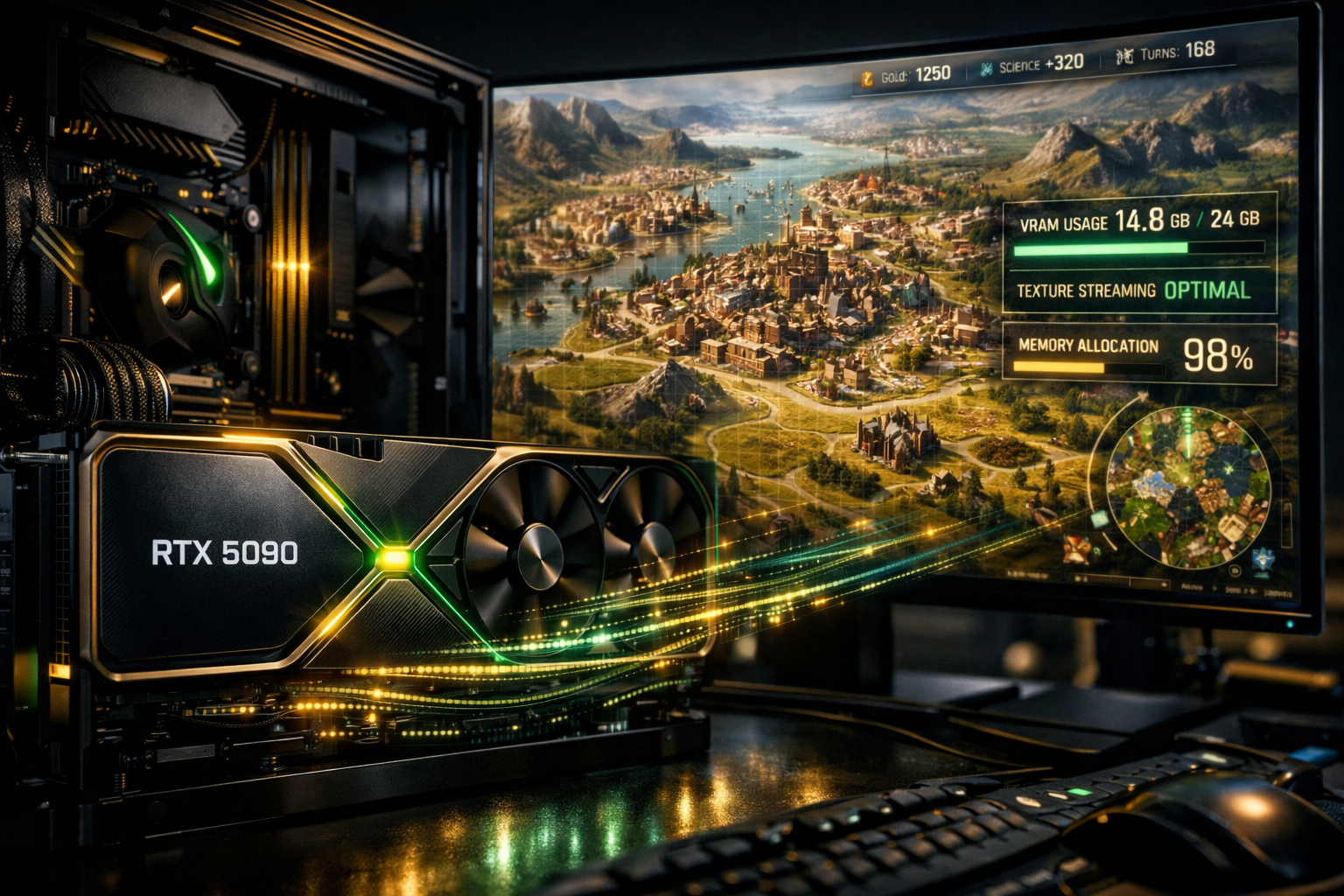
Civilization VII on Ultra settings delivers breathtaking visuals, from sprawling 4K terrain textures to cinematic city animations. However, these high-resolution assets can push even a top-tier GPU like the RTX 5090 to its VRAM limits, especially during large maps or late-game scenarios. Without careful management, gamers may notice stuttering, delayed tile rendering, or FPS drops.
The RTX 5090 mitigates many of these issues with its 24–32 GB VRAM, exceptional memory bandwidth, and advanced GPU features like DLSS 4 and Frame Generation. These tools help maintain smooth frame pacing even when multiple high-res textures and animations are loaded simultaneously. Yet, understanding how textures, animations, and post-processing impact VRAM is crucial for long, uninterrupted gaming sessions.
High-resolution textures, especially unit models, terrain tiles, and cinematic cutscenes, directly influence VRAM usage. For instance, a crowded city with dozens of animated units can spike memory usage rapidly, potentially causing frame-time inconsistencies or stutter. Similarly, post-processing effects such as bloom, reflections, and shadows further load GPU memory, even if your RTX 5090 can handle high frame rates.
Key considerations for gamers:
- Texture resolution vs VRAM usage: Ultra 4K textures consume significantly more memory than high or medium settings.
- Animation fidelity: Complex unit and city animations increase VRAM demands, particularly during crowded turn sequences.
- Post-processing overhead: Effects like volumetric lighting, particles, and ray-traced shadows increase GPU memory load.
By understanding these factors, players can leverage RTX 5090’s hardware capabilities and features like DLSS 4 upscaling to enjoy ultra-detailed visuals without sacrificing smooth frame rates. This section sets the stage for optimizing texture quality, animation detail, and in-game VRAM efficiency, ensuring Civilization VII remains fully immersive even during marathon campaigns.
Pointers to keep in mind:
- Monitor VRAM usage actively with MSI Afterburner or GPU-Z.
- Enable DLSS 4 Performance or Balanced modes to reduce memory strain.
- Consider minor adjustments to LOD, post-processing, or animation detail for sustained performance.
Next, we’ll dive into how VRAM is consumed in Civilization VII and what settings maximize high-res textures without bottlenecks.
Recommended In-Game Texture & Animation Settings for RTX 5090
Running Civilization VII with high-res textures and complex animations on an RTX 5090 requires carefully balancing visual fidelity and GPU efficiency. Even with 24–32 GB VRAM, ultra settings can introduce stuttering or frame-time spikes if mismanaged. Proper in-game settings ensure smooth FPS, stable frame-time, and optimal VRAM usage.
Texture Settings
| Setting | Recommendation | Reasoning |
|---|---|---|
| Texture Quality | Ultra or High | RTX 5090 handles 4K textures well; choose Ultra if VRAM allows, otherwise High to avoid spikes |
| Terrain LOD (Level of Detail) | Medium to High | Reduces VRAM load on distant tiles while maintaining visual quality up close |
| Texture Streaming | Enabled | Ensures textures load dynamically to prevent pop-ins during map navigation |
| Unit & Building Textures | High | Keep detail for player-facing objects; lower distant units for efficiency |
Animation Settings
| Setting | Recommendation | Reasoning |
|---|---|---|
| Unit Animations | Full for close units, Reduced for distant | Limits VRAM consumption and frame-time spikes in late-game scenarios |
| City Construction & Improvement Animations | Medium | Balances GPU load with visual fidelity during large-scale cities |
| Cinematic Animations | Optional | Disable during marathon sessions to reduce VRAM and GPU stress |
| Particle Effects | Medium | Ensures smooth turn animations without sacrificing key visual cues |
Post-Processing & Effects
- Shadows: High for player view, medium for off-screen areas
- Bloom & Reflections: Medium or optional, reduces VRAM load
- Volumetric Effects: Medium to Low, prevents FPS dips during late-game crowded maps
Practical Tips
- Monitor VRAM: Use MSI Afterburner or GPU-Z to track VRAM utilization in real time. Adjust textures dynamically if spikes appear.
- DLSS 4 Mode: Use Quality or Balanced mode to reduce memory footprint while maintaining ultra visuals.
- Frame Generation: Enable to smooth animations and reduce frame-time variance, especially in large cities or during battles.
- Custom Profiles: Save different in-game profiles for small, medium, and ultra-large maps to optimize performance automatically.
- Late-Game Adjustments: Reduce distant LOD, animation fidelity, and particle effects when map complexity increases to maintain consistent 1% lows.
By following these settings, RTX 5090 users can enjoy high-res textures and complex animations in Civilization VII without running into VRAM bottlenecks or FPS instability. This section builds directly into Section 4, which explores how to leverage RTX 5090 GPU features like DLSS 4 and Frame Generation to further enhance performance on large maps.
